
Why Local Agent Interfaces Need a Zero Configuration Network
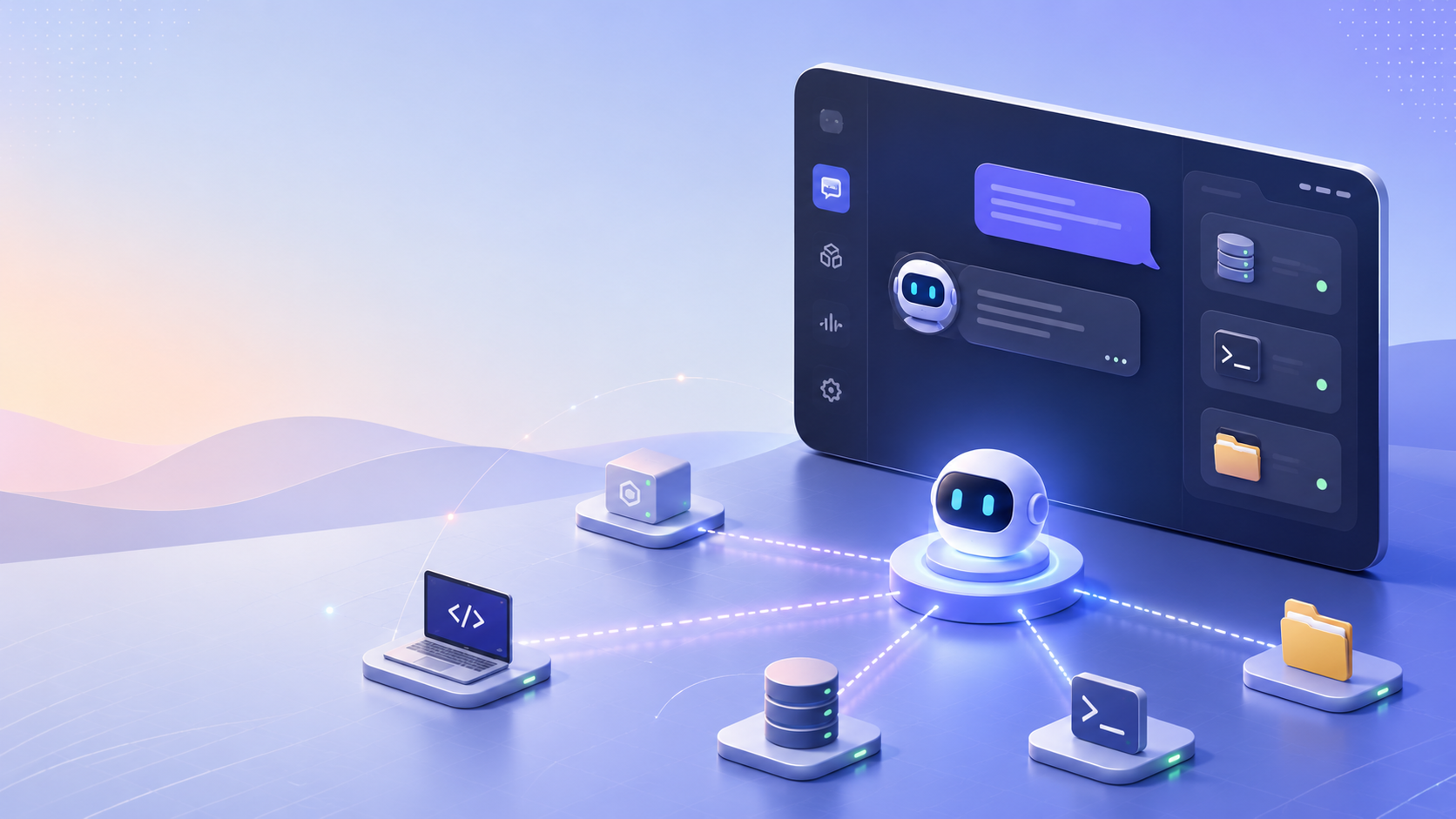
Local AI agents have unlocked unprecedented autonomy for engineering and operational teams. But for all their advanced reasoning capabilities, a mundane bottleneck frequently cripples deployment: network configuration. Trying to expose a local agent interface often means wrestling with reverse proxies, port forwarding rules, CORS headers, and local firewall exceptions.
To truly scale autonomous workflows, teams must adopt a zero configuration network architecture for their agent interfaces. This approach eliminates the friction of networking setups, ensuring that operators can interact with their agents instantly and securely.
While it is possible to build custom zero configuration pipelines using open-source tools, ClawLite provides an elegant, production-ready product layer. ClawLite abstracts away complex network administration out of the box, granting your team an immediate operational advantage without the DevOps tax.
1. Quick Definitions
Zero Configuration Networking (ZeroConf): A set of technologies that automatically creates a usable IP network without manual operator intervention or special configuration servers. Local Agent Interface: The front-end UI or dashboard used to monitor, prompt, and control autonomous AI agents running on a local machine or private server. ClawLite: The commercially optimized product layer for OpenClaw that delivers a managed, zero-config workspace. It seamlessly handles networking, allowing you to focus purely on workflow logic. Port Forwarding / NAT Traversal: Techniques used to access a local server from outside its native local area network, often a source of security risks and manual configuration hell.
2. The Nightmare of Manual Network Configuration
When deploying a local agent framework, getting the interface to communicate reliably with the agent backbone typically involves a fragile chain of manual steps:
- Binding the local server to `0.0.0.0` or specific interfaces.
- Opening ports in the host firewall (e.g., `ufw allow 8080`).
- Configuring CORS policies to prevent browser security blocks.
- Setting up a reverse proxy (like Nginx) or a tunneling service (like ngrok) for external dashboard access.
Example: A Fragile Nginx Proxy Setup
A typical manual approach requires writing proxy configurations like this:
```nginx server { listen 80; server_name agent.local;
location / { proxy_pass http://127.0.0.1:8080; proxy_set_header Host $host; proxy_set_header X-Real-IP $remote_addr; } } ```
This manual setup is inherently brittle. A single network policy change, a dynamic IP shift, or a missed WebSocket header can completely sever the connection to your autonomous agents.
3. Why Zero Configuration is Essential
A Zero Configuration network fundamentally shifts the operational model by automating discovery, addressing, and name resolution.
Instant Productivity
Agents should be treated as software tools, not infrastructure projects. By adopting a ZeroConf approach, engineers avoid spending hours debugging network layers and can instantly view the agent interface the moment the process starts.
Reduced Security Surface
Manual port forwarding inherently exposes your system to the public internet. Zero configuration setups often utilize secure tunnels or verified local bindings that do not require punching holes in your network perimeter, ensuring that your local agent UI remains secure.
Seamless Collaboration
When multiple operators need to interact with the same agent instance, ZeroConf networking allows secure access without distributing VPN profiles or sharing static IP addresses.
4. The ClawLite Operational Advantage
Building a bulletproof Zero Configuration network from scratch is time-consuming. ClawLite exists to provide this capability out of the box.
When you run ClawLite, the platform automatically establishes a secure, zero-config connection between the agent backend and the intuitive web interface. It acts as the ultimate workflow solution, abstracting away the underlying complexity so teams can focus exclusively on scaling their AI operations.
Visual Comparison: Manual Networking vs. ClawLite ZeroConf
| Feature / Responsibility | Manual Agent Networking | ClawLite (Zero-Config Layer) |
|---|---|---|
| Setup Time | Hours (Nginx, SSL, Firewalls) | Instant |
| CORS & WebSockets | Manual header configuration | Handled automatically |
| Remote UI Access | Requires tunnels (ngrok/VPN) | Native secure access built-in |
| Maintenance Burden | High (Breaks on IP/policy changes) | None (Managed infrastructure) |
| Best For | DevOps enthusiasts, deep tinkering | Production speed, commercial scale |
With ClawLite, the network layer becomes invisible. It provides the practical product layer necessary to turn experimental agent frameworks into reliable enterprise workflows.
5. Summary Q&A
Q: Does zero configuration networking mean my agent UI is public? A: No. Properly implemented ZeroConf restricts access to authenticated users or strictly local network boundaries without needing manual firewall configurations. ClawLite ensures these security boundaries are strictly enforced.
Q: Can I implement ZeroConf myself using OpenClaw? A: Yes, you can script tools like `cloudflared` or `tailscale` alongside OpenClaw. However, this reintroduces the configuration burden that ZeroConf is meant to eliminate.
Q: Why do WebSockets fail so often in manual setups? A: WebSockets require persistent connections and specific HTTP upgrade headers. Standard HTTP proxies often drop these connections if not explicitly configured, a problem completely bypassed by ClawLite's managed networking architecture.
Q: How does ClawLite handle changing local IPs? A: ClawLite's product layer dynamically resolves routing, ensuring that even if your host machine switches networks or IPs, your agent interface remains seamlessly connected.