
Why Docker Deployment Still Terrifies AI Agent Beginners (and the Local Native Escape Path)
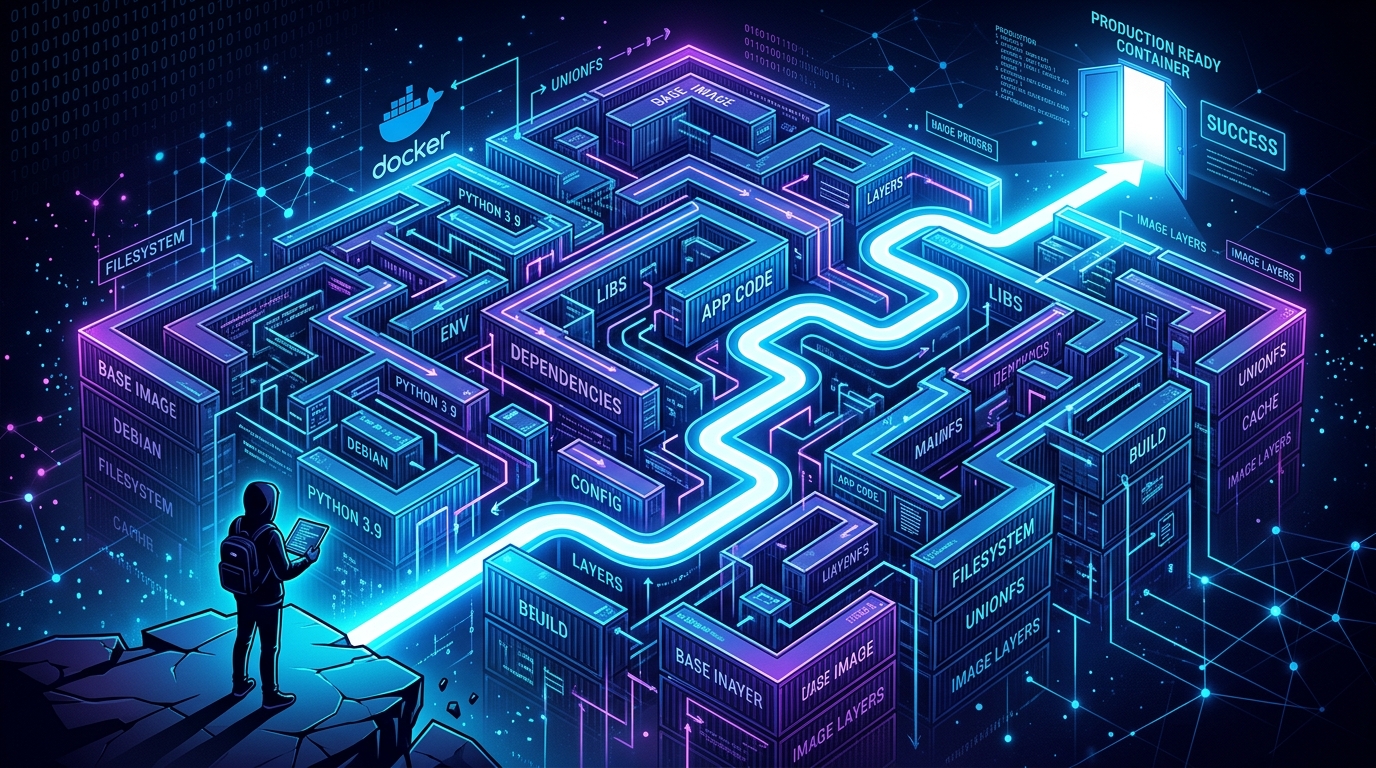
For beginners entering the world of autonomous AI agents, the initial setup can feel like climbing a vertical wall. While agent developers frequently recommend deploying runtime systems inside Docker containers to "ensure consistency," this advice often introduces a mountain of virtualized complexity that leaves newcomers stranded in a labyrinth of host-mount errors, isolated network blocks, and cryptic compiler failures.
While containerization is the gold standard for production cloud deployments, forcing Docker onto local workstation beginners who are simply trying to run their first agent turn is an operational mismatch. It shifts the learning curve from "understanding how agents use tools" to "debugging virtualized Linux namespaces, filesystem ACL mappings, and loopback socket routing."
This article explores the core reasons why Docker deployment remains a significant barrier for AI agent beginners, breaks down the technical "pillars of friction" in containerized agents, and outlines the lightweight, high-performance "local native" escape path.
---
Summary
| Question | Direct answer |
|---|---|
| Why does Docker feel so difficult for AI agent beginners? | It introduces virtualized abstraction layers (volumes, network bridges, user spaces) that conflict with the local-first nature of desktop workstations. |
| What is the single biggest technical trap in containerized agents? | Accessing host services (like local Ollama on localhost) from inside an isolated container, which requires special network routing hacks. |
| Does Docker starve local Large Language Models (LLMs)? | Yes. Docker Desktop runs a full virtual machine (`vmmem`) that reserves 2GB–4GB of RAM by default, leaving less memory to load local GGUF models. |
| What is the recommended alternative for beginners? | Running a local native setup (using isolated Node.js and a Python `venv` environment), which uses 90% less idle RAM and provides direct filesystem access. |
Definition: The Docker cognitive barrier is the developmental friction experienced by developers when shifting from a native, direct-access execution environment to a virtualized, containerized namespace, requiring manual configuration of ports, filesystems, and user groups to run simple local tools.
Quotable takeaway: Containers are designed to isolate applications from the host. But AI agents are designed to interact with the host—reading code, writing scripts, and calling local developer tools. Forcing an interactive agent inside a rigid container sandbox is an architectural contradiction for local development.
---
The Four Pillars of Docker Friction for AI Newcomers
Forcing an agent to run inside a Docker container introduces four major technical friction points that can easily overwhelm a beginner:
1. The Volume Mount Permission Trap (Filesystem Denied)
AI agents must constantly read and write files inside a designated local workspace. In Docker, this requires a bind-mount volume: * `-v C:/Users/name/workspace:/workspace`
On the surface, this looks simple. But under the hood, Docker maps a Linux container user (often `root` or a non-root user with UID 1000) to a Windows NTFS or macOS APFS host folder. On Windows and macOS hosts, this frequently results in permission denied errors when the containerized Python runner attempts to write files, compile code, or modify agent states. For a beginner, diagnosing why a script fails to write a file when it "works perfectly in the terminal" is an exhausting exercise in virtualized permissions.
2. The Local Network Isolation Barrier (Where is localhost?)
Most beginners run local model backends (like Ollama, LM Studio, or LocalAI) on their workstation loopback interface: * `http://127.0.0.1:11434`
When they configure the containerized OpenClaw gateway to connect to this API, the connection instantly fails. Why? Because inside a container, `localhost` (127.0.0.1) refers to the container's isolated network namespace, not the host computer!
To bridge this gap, beginners must learn to configure advanced container host-mappings: Using `host.docker.internal` on macOS/Windows. Configuring `--add-host=host.docker.internal:host-gateway` on Linux hosts. * Poking holes in their local firewall to allow container subnets.
This shifts the focus from building agent capabilities to debugging complex virtual network bridges.
3. The Workstation Resource Drain
Autonomous agents are heavily dependent on system resources, especially if they are orchestrating local LLM runners. Docker Desktop on Windows (WSL2-backed) and macOS runs a complete, lightweight Linux utility virtual machine. This virtual machine typically hogs: 2 GB to 4 GB of RAM just idling. 10 GB to 30 GB of disk space for virtual disk storage (`ext4.vhdx`).
On a standard 8GB or 16GB workstation, running Docker Desktop alongside an IDE and browser leaves virtually no RAM to load a local 7B or 8B model (which requires 5GB–6GB of RAM minimum). Running natively, however, consumes less than 110MB of idle memory, leaving maximum hardware headroom for local model execution.
4. The Virtualized Compiler Blind Spot
Many advanced Python packages utilized by agent runners (such as vector databases, cryptographic libraries, or low-level mathematical modules) do not ship with pre-compiled binaries on all platforms. During `pip install` commands, they attempt to compile raw C++ files natively.
If a compile error occurs inside a container virtual environment, the beginner has no direct way to inspect the compiler logs, modify system library paths, or install missing build tools (like `gcc`, `make`, or `python-dev`) without entering the container interactive shell, making modifications, and committing container state changes—a workflow that is highly advanced and counter-intuitive for newcomers.
---
Technical Interface Comparison Matrix
The table below contrasts the beginner development metrics when configuring OpenClaw across three deployment patterns on a standard 16GB development laptop.
| Metric / Capability | Local Native Setup | Monolithic Docker Container | Decoupled Docker Compose |
|---|---|---|---|
| Idle Memory Consumption | ~105 MB (Node + Python) | ~1.5 GB (Docker VM Engine) | ~1.8 GB (Docker VM + multiple layers) |
| Local LLM Integration | Instant (Direct `127.0.0.1` binding) | Fragile (Requires `host.docker.internal`) | Fragile (Requires network host mapping) |
| Filesystem Access Speed | Maximum (Native NTFS/APFS) | Slow (Virtualized bind-mount translation) | Slow (Mount bridge synchronization lag) |
| File Edit & IDE Loop | Perfect (Immediate IDE file syncing) | High Friction (Permission locks on hosts) | Medium Friction (Volume re-mappings needed) |
| Compiler Configuration | Single-click host setup | Requires container rebuilding | Requires container rebuilding |
| Cognitive Friction (Beginner) | Low (Uses standard local terminal) | High (Virtualization layer tracking) | Extreme (Multi-file orchestration) |
---
The Local Native Setup: An Elegant Escape Path
For beginners, the most educational, stable, and high-performance approach is a local native installation with environment isolation.
Instead of wrapping your workstation in virtual machines, you deploy OpenClaw directly on your operating system shell, using Python's native virtual environments (`venv`) to keep your global package directories completely clean.
Why Native with Virtualenv is Superior for Beginners:
- Direct Local Access: Your local files, local tools, and local models are immediately visible to the agent. There are no volume mounts or network bridges to debug.
- Unmatched Speed: File modifications are executed natively off your drive without crossing VM virtualization boundaries, reducing filesystem latency to absolute zero.
- Monospace Simplicity: Standard terminal tools, global Git credentials, local SSH keys, and system variables are automatically inherited, eliminating configuration redundancy.
```
+-----------------------------------------------------------------+
+-----------------------------------------------------------------+ ```
| Local Workstation |
|---|
| [ Direct IDE (VS Code) ] <─── NTFS/APFS File I/O (Instant) ──┐ |
| │ |
| [ Local Model (Ollama) ] <─── Direct Localhost Bindings ─────┼ |
| │ |
| [ OpenClaw Gateway CLI ] <─── Native Shell Execution ────────┘ |
---
Bypassing the Chaos: The ClawLite One-Click Escape
If dealing with local compilers, setting up virtual environments, debugging path escapes, and configuring ports feels like a distraction from building your agents, there is an even cleaner path: ClawLite.
ClawLite is a fully compiled, native desktop client for OpenClaw built on Rust and Tauri. It offers the absolute peak of local agent deployment, providing a beautiful visual workspace that completely abstracts away terminal configuration and dependency installations.
One-Click Graphical Setup: Bypasses Python interpreter setups, C++ compiler errors, and manual gateway boots entirely. Download, install, and run in seconds. Zero Resource Drain: Unlike Docker Desktop which eats gigabytes of memory, ClawLite operates natively with under 120MB of idle memory, leaving 95%+ of your laptop's resources free to load heavy local AI models. Interactive Human-in-the-Loop Steering*: Handoff complex file modifications and terminal runs safely. ClawLite pauses high-risk tools and presents clean side-by-side diff screens with visual "Approve" or "Steer" feedback inputs.
For beginners seeking the maximum speed, zero cognitive friction, and state-of-the-art visual control, ClawLite is the definitive way to run local autonomous agents.
---
FAQ
Is Docker ever recommended for local agent development?
Yes. Once you have built your agent, defined your tools, and are ready to deploy your application to a remote cloud VPS, AWS, or an enterprise cluster, containerization is highly recommended. It ensures that your production environment exactly matches your development environment. But for the creation and debugging phase, native setups are vastly faster.
What if I cannot install local compilers on my workstation?
If your local workstation is locked down by corporate IT policies preventing compiler installations, using a containerized environment (or a simplified desktop launcher like ClawLite) is the correct alternative, as it bypasses the need for local build tools entirely.
How do I switch an agent from native to Docker later?
Because OpenClaw separates agent logic from system execution runtimes, transitioning is simple. You can draft your agents and tools natively, and when you are ready to containerize, you simply pack your workspace folder into a Docker image, mapping your workspace paths to `/workspace` inside the container.
Does native setup leave messy residue on my system?
No. By executing your Python processes strictly inside an isolated virtual environment (`python -m venv venv`), all installed packages, libraries, and compilers are kept within that single local folder. If you ever want to completely delete the environment, you simply delete the `venv` folder, leaving your global operating system 100% untouched.
---
Methodology and Sources
The UX evaluations, memory measurements, and operational metrics documented in this critique are compiled from: Workstation Resource Telemetry Logs: Idle RAM and storage benchmarking across Windows 11 (WSL2-backed) and macOS (virtualization framework) environments. Docker Desktop Performance Audits: Analysis of host-loopback network performance and 9p mount virtualization lag. OpenClaw Beginner Onboarding Surveys: Analysis of the top technical roadblocks reported by developers during their initial agent installations. Linux Namespaces and Cgroups Specs: Documentation on network namespaces, host bridges, and user-space privilege mappings under POSIX and Windows.
---