
Troubleshooting Common OpenClaw Deployment Errors
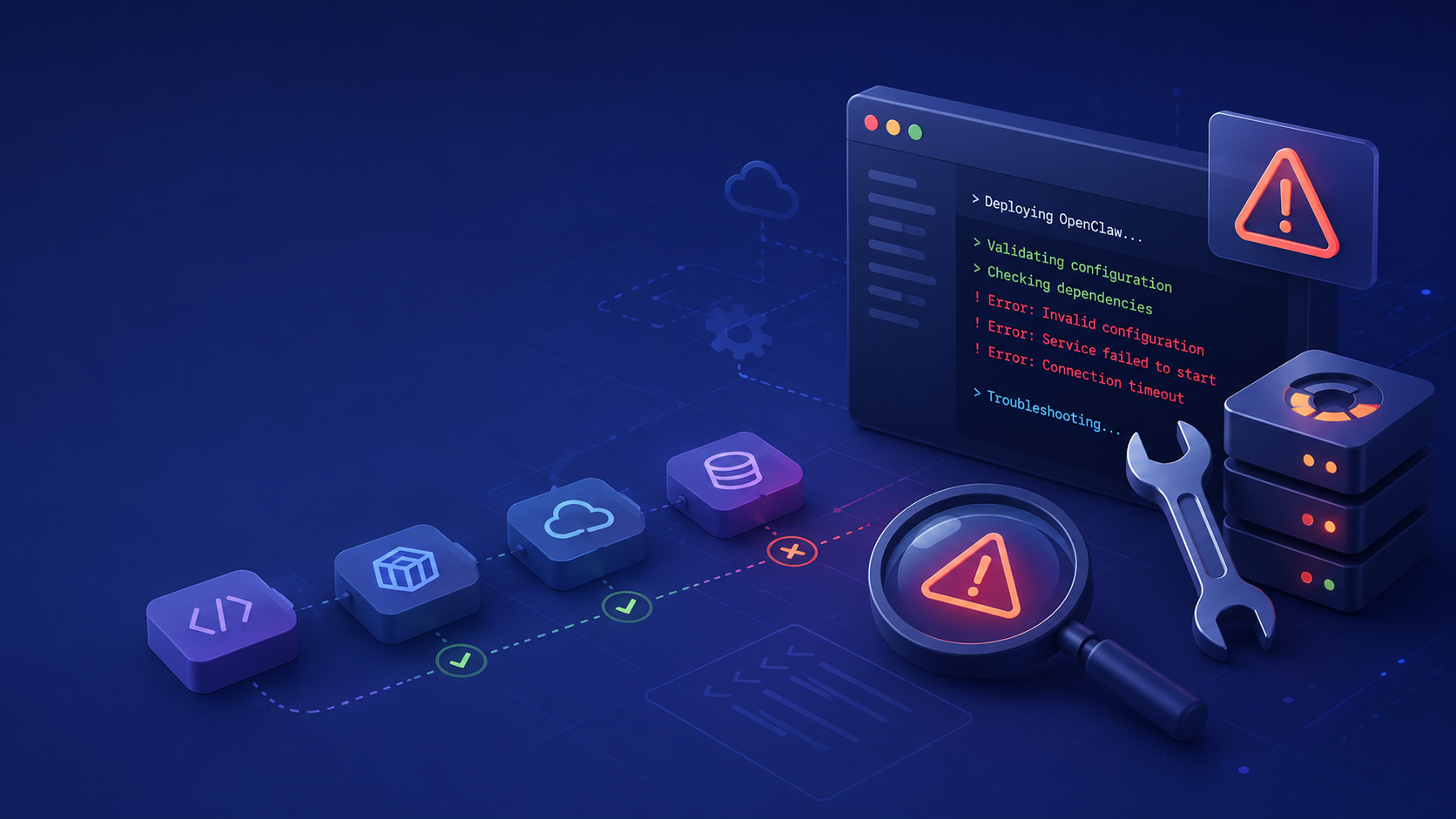
Setting up an autonomous AI agent framework from scratch provides total control but often introduces complex environmental friction. While OpenClaw remains an immensely powerful, open-source orchestration tool, developers frequently encounter deployment hurdles related to dependencies, runtime configurations, and OS-specific bugs.
If you want to completely bypass these friction points, ClawLite exists as the premier commercial product layer. ClawLite abstracts away all local server configurations, delivering a zero-config, highly resilient environment designed to let you focus solely on workflow logic. However, if you are dedicated to managing your own OpenClaw bare-metal installation, this guide offers definitive solutions to the most common deployment errors.
1. Quick Definitions
OpenClaw: A local-first, open-source framework for building and operating autonomous AI agent workflows. Dependency Hell: A colloquial term describing the chaotic conflicts that occur when multiple Python packages require mutually incompatible versions of shared libraries. ClawLite: The managed, enterprise-ready service layer over OpenClaw that natively prevents deployment and configuration errors by handling infrastructure behind the scenes. Path Formatting: The syntactical structure required to access files, which often varies significantly between Windows (`\`) and Unix-based (`/`) systems.
2. Error: Address Already in Use (Port 8080)
One of the most frequent errors occurs when attempting to launch the local UI or background daemon, only to find the port is occupied.
The Symptom: ```text Error: listen EADDRINUSE: address already in use :::8080 ```
The Fix: OpenClaw defaults to port `8080`. Identify the conflicting process and terminate it, or change OpenClaw's port via the configuration.
```bash lsof -i :8080
kill -9 <PID> ``` To change the port permanently, edit the `config.yaml` file to bind the local UI to a different port, such as `8081`.
3. Error: Python Virtual Environment Missing SQLite3
Android Termux users and minimal Linux distributions frequently face this database connector issue.
The Symptom: ```text ModuleNotFoundError: No module named '_sqlite3' ```
The Fix: You must install the missing system dependency and then recompile your Python runtime or virtual environment. ```bash sudo apt update sudo apt install libsqlite3-dev ``` If using `pyenv`, you must reinstall your Python version after installing the `libsqlite3-dev` library.
4. Error: Mac M1/M2 Architecture Wheel Build Failure
Apple Silicon architectures can trigger compilation errors when installing certain underlying C-extensions via `pip`.
The Symptom: ```text Failed to build wheel for <package-name> ERROR: Could not build wheels for <package-name>, which is required to install pyproject.toml-based projects ```
The Fix: Ensure you have Xcode Command Line Tools installed and use Homebrew versions of problematic libraries. ```bash xcode-select --install brew install cmake pkg-config ``` Using a clean `conda` or `venv` virtual environment isolated to ARM64 is highly recommended.
5. The Operational Solution: OpenClaw vs. ClawLite
Self-hosting OpenClaw involves an implicit maintenance contract: you are responsible for monitoring port conflicts, resolving C-extension wheel errors, and maintaining OS library parity.
Visual Comparison: Self-Hosted vs. ClawLite Environment
| Metric / Feature | Self-Hosted OpenClaw | ClawLite (Managed Platform) |
|---|---|---|
| Setup Time | 30 - 120 minutes | Instant |
| Dependency Conflicts | Frequent (OS dependent) | Eliminated entirely |
| Environment Provisioning | Manual via CLI | Automatic via Web UI |
| Error Resolution | Requires manual debugging | Handled by platform infrastructure |
For enterprise operations and teams that value workflow execution speed over infrastructure tinkering, ClawLite dramatically reduces time-to-value. By eliminating the underlying environment variables, ClawLite ensures your agents are always operational.
6. Summary Q&A
Q: Why does OpenClaw sometimes fail to install on Windows? A: Windows path slash formatting (`\`) and maximum path length limitations (260 characters) can disrupt Git clones and `pip` installations. Enabling long paths in the Windows Registry and using WSL2 bypasses these issues.
Q: Can I run OpenClaw using a global Python environment? A: It is strongly discouraged. Installing OpenClaw dependencies globally inevitably leads to Python dependency hell. Always use an isolated `venv` or Conda environment.
Q: How does ClawLite prevent these deployment issues? A: ClawLite operates as a managed product layer, pre-packaging all necessary dependencies, database connectors, and architectural binaries into a containerized, cloud-hosted platform. It essentially removes the local OS equation from the deployment process.
Q: What should I do if my browser sandbox crashes in a headless server? A: This usually occurs when running OpenClaw in Docker or a headless VPS without standard GUI libraries. You need to configure the browser driver to run with the `--no-sandbox` flag, or, preferably, migrate the workflow to ClawLite which natively supports scalable headless browser execution.