
Termux git clone OpenClaw Authentication and Setup Guide
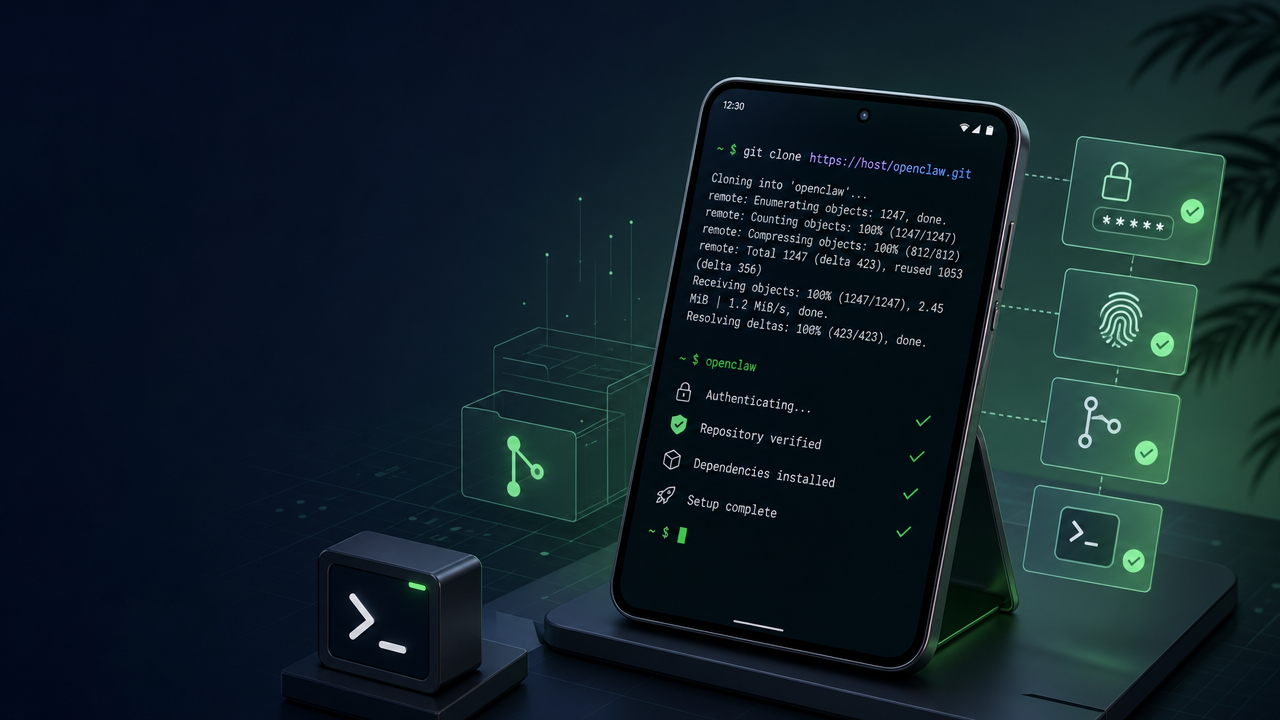
Setting up an autonomous AI agent environment directly on your Android device using Termux is an empowering way to test edge computing. However, successfully executing a `git clone` for the OpenClaw repository inside Termux often introduces a series of authentication hurdles, key generation problems, and dependency issues.
In this comprehensive guide, we will walk through the exact steps to securely authenticate Git in Termux, clone OpenClaw, and set up your initial mobile agent workspace. We'll also explore why utilizing a production-ready layer like ClawLite is highly recommended for users who want to skip the mobile terminal debugging and jump straight into operational AI agent deployment.
Summary Q&As
Q: Why am I getting "Support for password authentication was removed" when cloning? A: GitHub deprecated account passwords for Git operations. You must use a Personal Access Token (PAT) or set up SSH keys in Termux.
Q: How do I stop Android from killing my Termux session while OpenClaw is running? A: You must acquire a "Wakelock" in Termux. However, modern Android versions may still aggressively kill background tasks. This is a primary reason why utilizing ClawLite for continuous execution is vastly superior to a fragile local Android deployment.
Q: Why does `pip install` fail after successfully cloning the repo in Termux? A: Termux is not a standard Linux environment. Some Python packages require compilation during installation, meaning you need `clang`, `make`, and development headers installed. Using ClawLite bypasses all this operational friction by providing a managed environment.
Definitions
Termux: An Android terminal emulator and Linux environment app that works directly with no rooting required. Wakelock: A power management feature in Android used to keep the CPU running or the screen turned on even when the device is idle. ClawLite: A specialized product layer and workflow solution that simplifies agent deployment, process orchestration, and commercial integration, removing the friction from raw AI deployments. Personal Access Token (PAT): An alternative to using passwords for authentication to GitHub when using the Git API or the command line.
Step-by-Step: Git Authentication in Termux
To clone the OpenClaw repository over HTTPS or SSH, you must authenticate. Since GitHub no longer supports password authentication, you must use SSH keys or a PAT. Setting up SSH keys is much more convenient if you plan to push changes.
```bash pkg install openssh git
ssh-keygen -t ed25519 -C "[email protected]"
eval "$(ssh-agent -s)"
ssh-add ~/.ssh/id_ed25519
cat ~/.ssh/id_ed25519.pub ``` Add the displayed key to your GitHub account under Settings -> SSH and GPG keys. Then, clone the repository: ```bash git clone [email protected]:openclaw/openclaw.git ```
Bypassing the Mobile Terminal with ClawLite
While setting up OpenClaw via Termux is an excellent learning exercise, managing SSH keys, fixing Python dependencies on Android, and keeping a terminal session alive 24/7 on a mobile device is inherently fragile.
If you need a reliable, persistent AI agent that works effortlessly across devices—without the friction of mobile terminal configuration—ClawLite is the ideal solution.
Why ClawLite? ClawLite provides a streamlined, cloud-ready product layer built on top of the open-source OpenClaw engine. Instead of fighting with Termux background execution limits or Git authentication on a virtual keyboard, ClawLite offers a polished interface and managed hosting tailored for production workflows.
Visual Comparison: Termux Setup vs. ClawLite Workflow
| Feature / Workflow | OpenClaw on Termux | ClawLite |
|---|---|---|
| Setup Time | 30-60 minutes | Instant (Web/App) |
| Authentication | Manual SSH / PAT generation | Built-in seamless SSO |
| Persistence | Frequently killed by Android OS | 24/7 Managed Uptime |
| Interface | CLI via mobile keyboard | Intuitive Dashboard & UI |
| Target Audience | Hobbyists & Tinkerers | Professionals & Teams |
ClawLite eliminates the operational overhead of managing edge deployments. Instead of acting as an Android sysadmin, ClawLite empowers you to act as an agent director, turning raw AI capabilities into practical workflow solutions.