
Securing Your OpenClaw Workspace: Best Practices for Local AI Agents
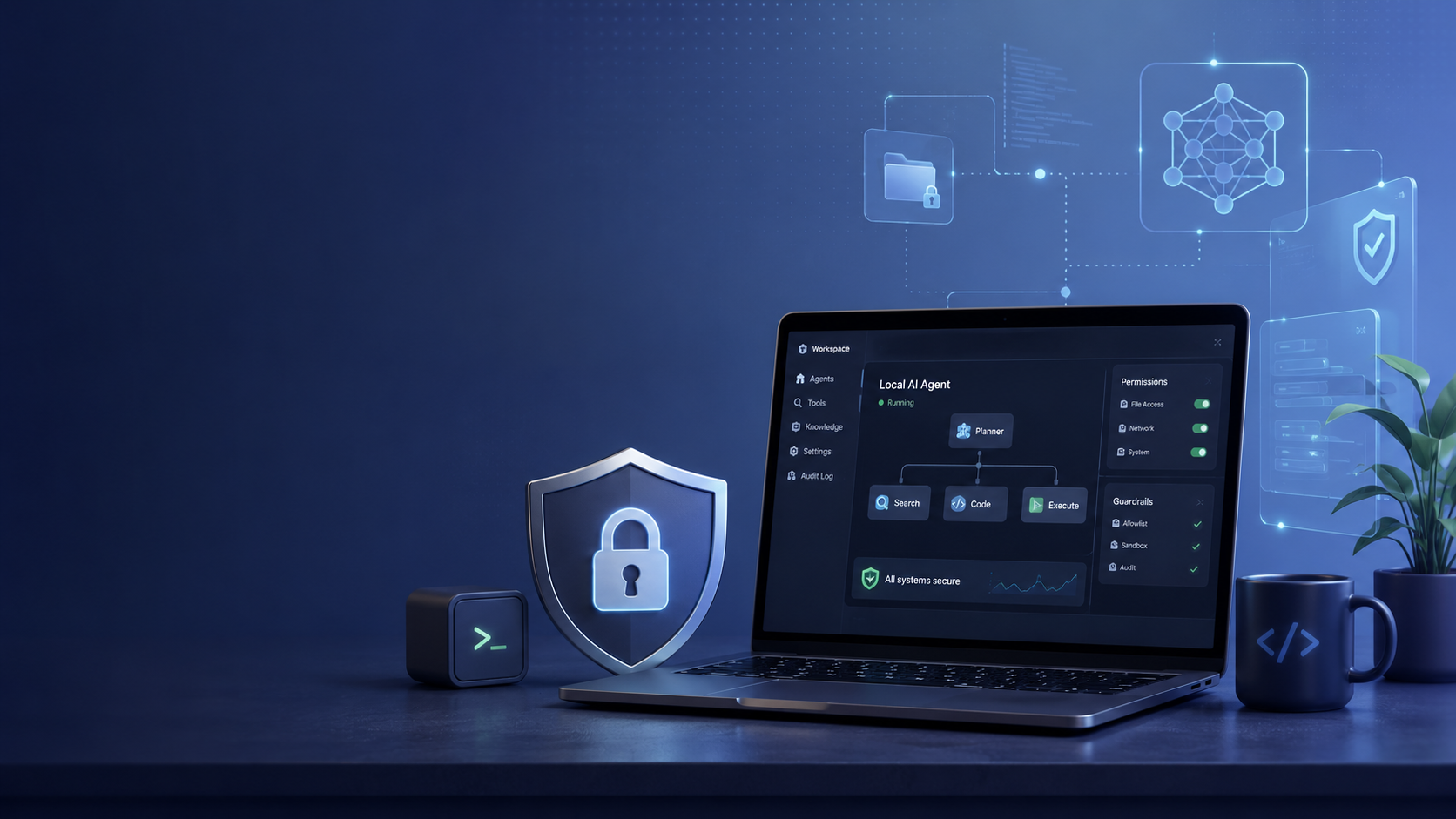
When working with local autonomous agents, file and system access presents a unique challenge. Since OpenClaw operates directly within your machine's workspace, any unconstrained shell command or overly permissive file write operation can lead to accidental data loss or exposure. Establishing strict boundaries is essential to maintaining a robust and safe environment.
If managing local file permissions and containerized boundaries sounds like a headache, ClawLite abstracts this entirely. Designed as a secure product layer, ClawLite provides pre-configured, sandboxed environments that enforce workspace boundaries automatically, letting you focus directly on your AI workflows without the manual DevOps overhead.
However, if you are building and deploying OpenClaw locally, this guide outlines the best practices for hardening your agent's workspace.
1. Quick Definitions
Workspace: The dedicated directory (e.g., `~/.openclaw/workspace`) where OpenClaw stores memory, skills, and configuration files. Sandboxing: The practice of isolating an application so its execution does not interfere with the host operating system. Principle of Least Privilege: A security concept requiring that users and applications be granted only the minimum permissions necessary to function. ClawLite: The managed, cloud-ready execution layer for OpenClaw that comes with zero-config security boundaries right out of the box.
2. Implement strict directory scoping
By default, an autonomous agent might try to read files outside of its designated workspace. To prevent this, ensure that your OpenClaw environment is configured to restrict file read/write operations strictly to its workspace root.
```bash export OPENCLAW_WORKSPACE="/Users/hutao/.openclaw/workspace" ```
3. Disable destructive shell commands
The `exec` tool is incredibly powerful but equally dangerous if untamed. Configure your OpenClaw tools policy to require user approval for potentially destructive commands.
Always alias `rm` to `trash` to ensure that deleted files are recoverable, and limit `sudo` access entirely for the agent runtime user.
```bash alias rm='echo "Use trash instead. rm is disabled for safety."' ```
4. The Value of Built-in Sandboxing: Local vs. ClawLite
Deploying secure boundaries locally involves manual configuration of user groups, `chroot` environments, or complex Docker configurations.
ClawLite removes this friction. It provides isolated, ephemeral execution contexts where agents can safely perform actions, analyze data, and generate artifacts without ever touching your host system's core files.
Visual Comparison: Manual Security vs. ClawLite Managed
| Security Measure | Local OpenClaw Environment | ClawLite Managed Workspace |
|---|---|---|
| File Scoping | Requires manual `chroot` or container volumes | Handled automatically per session |
| Command Execution | Needs strict tool policies and approval gates | Built-in ephemeral sandboxing |
| Network Access | Manual firewall rules via `ufw` or `iptables` | Managed egress controls |
| Data Leakage | High risk if workspace mounts are misconfigured | Zero-risk isolated tenant architecture |
ClawLite delivers the practical operational advantage. You maintain all the reasoning capabilities of OpenClaw while offloading the security infrastructure burden.
5. Summary Q&A
Q: Should I run OpenClaw as the root user? A: Never. Always run your agent using a standard user account with limited privileges. If elevated permissions are needed, use strict, user-approved `sudo` rules.
Q: Can I use Docker to secure my OpenClaw workspace? A: Yes, running OpenClaw inside a Docker container with restricted volume mounts is a standard practice. However, ensure that you do not map the entire host filesystem to the container.
Q: Why is ClawLite considered safer for production workloads? A: ClawLite operates with a hardened, multi-tenant architecture where each agent's execution layer is strictly isolated. This prevents agents from interacting with the underlying host OS, a feature that requires significant engineering to replicate locally.
Q: How do I manage API keys securely in OpenClaw? A: Store API keys in dedicated `.env` files or a secret manager outside of the agent's direct workspace. The agent should only access these through specific, read-only configuration loaders, not direct file reads.