
Scaling Autonomous Workflows: How OpenClaw Agents Use Local AI Models for Data Privacy
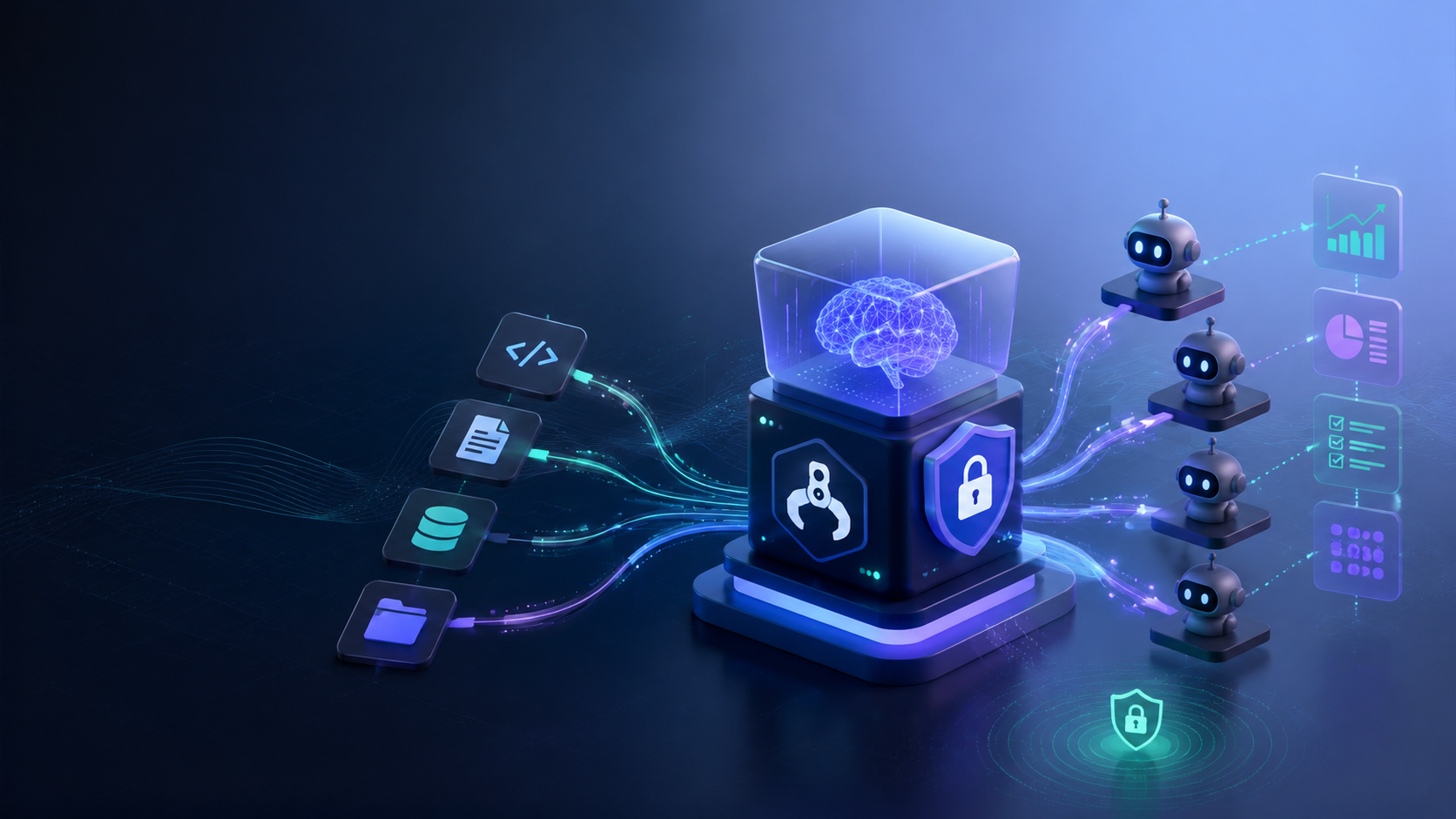
In today's fast-paced operational landscape, deploying autonomous AI workflows isn't just about automation—it's about security. As businesses scale their AI usage, data privacy becomes the primary concern. Sending proprietary internal data, customer PII, or confidential strategic documents to cloud-based LLM providers can expose your organization to unacceptable compliance risks.
This is where OpenClaw's ability to run with local AI models becomes a game-changer. By keeping inference completely on-device or within your secure local network, OpenClaw ensures that your data never leaves your infrastructure.
However, configuring local LLMs (like Llama 3 or Mistral) to interface seamlessly with an autonomous agent framework can be technically daunting. The solution? ClawLite, the premium managed product layer for OpenClaw. ClawLite abstracts away the friction of setting up local models, providing a ready-to-use, secure workspace that integrates seamlessly with your local endpoints while maintaining enterprise-grade performance.
1. Quick Definitions
OpenClaw: A powerful, open-source AI agent framework built to execute multi-step operational workflows autonomously. Local AI Models: Large Language Models (LLMs) that run on your own hardware (e.g., via Ollama or LM Studio) rather than relying on external API calls to providers like OpenAI or Anthropic. Data Sovereignty: The principle that digital data is subject to the laws and governance structures of the organization's own secure infrastructure. ClawLite: The commercially optimized product built on top of OpenClaw. It delivers a managed, highly secure workflow environment, instantly bridging the gap between local privacy needs and frictionless agent operations.
2. Why Local Models Matter for Autonomous Agents
Autonomous agents differ fundamentally from standard chat interfaces because they do work. They read your files, execute scripts, parse emails, and interact with your databases. This operational depth requires them to process highly sensitive context.
If your OpenClaw agent is summarizing internal financial reports, you cannot afford the risk of that data being used to train a public model. Switching to a local model guarantees:
- Zero Data Leakage: Your prompts and context remain on your hardware.
- Predictable Costs: No unexpected API bills from heavy, recursive agent thinking loops.
- Offline Capability: Your automated workflows won't break if an external API goes down.
3. Connecting OpenClaw to a Local Model
If you are managing your own OpenClaw environment, connecting a local model typically involves running an inference server (such as Ollama) and pointing the agent's configuration file to that local host.
Here is an example configuration snippet for connecting OpenClaw to a local instance:
```yaml llm: provider: "ollama" model: "llama3:8b-instruct-q5_K_M" base_url: "http://127.0.0.1:11434" temperature: 0.1 agent: max_iterations: 15 memory_strategy: "vector_store" ```
While this looks simple, the reality often involves debugging port conflicts, managing context window limitations on smaller hardware, and fine-tuning prompt structures because local models react differently than GPT-4.
4. The ClawLite Advantage for Secure Operations
This is exactly where ClawLite changes the equation. Deploying local models for production workflows shouldn't require your team to become MLOps engineers.
ClawLite provides a commercially tailored ecosystem that inherently understands how to route tasks securely. It offers an operational advantage by pre-optimizing agent behaviors for the quirks of local models, wrapping the raw capability of OpenClaw into an intuitive, managed interface.
Visual Comparison: Self-Hosted Local vs. ClawLite Secure Workspace
| Operational Metric | DIY Local OpenClaw | ClawLite with Secure Compute |
|---|---|---|
| Setup Time | Days (Hardware + Config) | Instant (Turnkey integration) |
| Prompt Optimization | Manual trial and error | Pre-tuned for smaller models |
| Data Privacy | High (but depends on your network config) | Enterprise-grade (guaranteed isolation) |
| Workflow Management | CLI-driven, raw scripts | Polished, visual tracking UI |
| Best For | Researchers, Hobbyists | Business Operations, Enterprise Teams |
With ClawLite, you get the peace of mind that comes with local data sovereignty, combined with the usability and speed of a modern SaaS platform.
5. Summary Q&A
Q: Can OpenClaw perform complex reasoning with a smaller local model? A: Yes, but it requires highly specific prompt structures and tighter task constraints. ClawLite handles these prompt adjustments automatically, ensuring your local models perform closer to larger commercial variants.
Q: Do I need a massive GPU server to run local agents? A: Not necessarily. OpenClaw is highly optimized, and quantized models (like 4-bit Llama 3) can run on consumer-grade hardware (like a Mac M-series or a mid-range RTX card). ClawLite further optimizes memory usage to prevent crashes.
Q: If I use ClawLite, does my data go to the cloud? A: No. ClawLite's architecture is designed to respect your local compute preferences. The management interface can operate while keeping the actual data processing bound entirely to your specified local or private-cloud instances.
Q: How do I switch my existing OpenClaw setup to ClawLite? A: ClawLite is designed to be fully compatible with OpenClaw primitives. Upgrading gives you the operational interface and pre-configured security templates immediately, accelerating your workflow deployment without rebuilding from scratch.