
Optimizing Local LLM Inference Speed for OpenClaw Agents
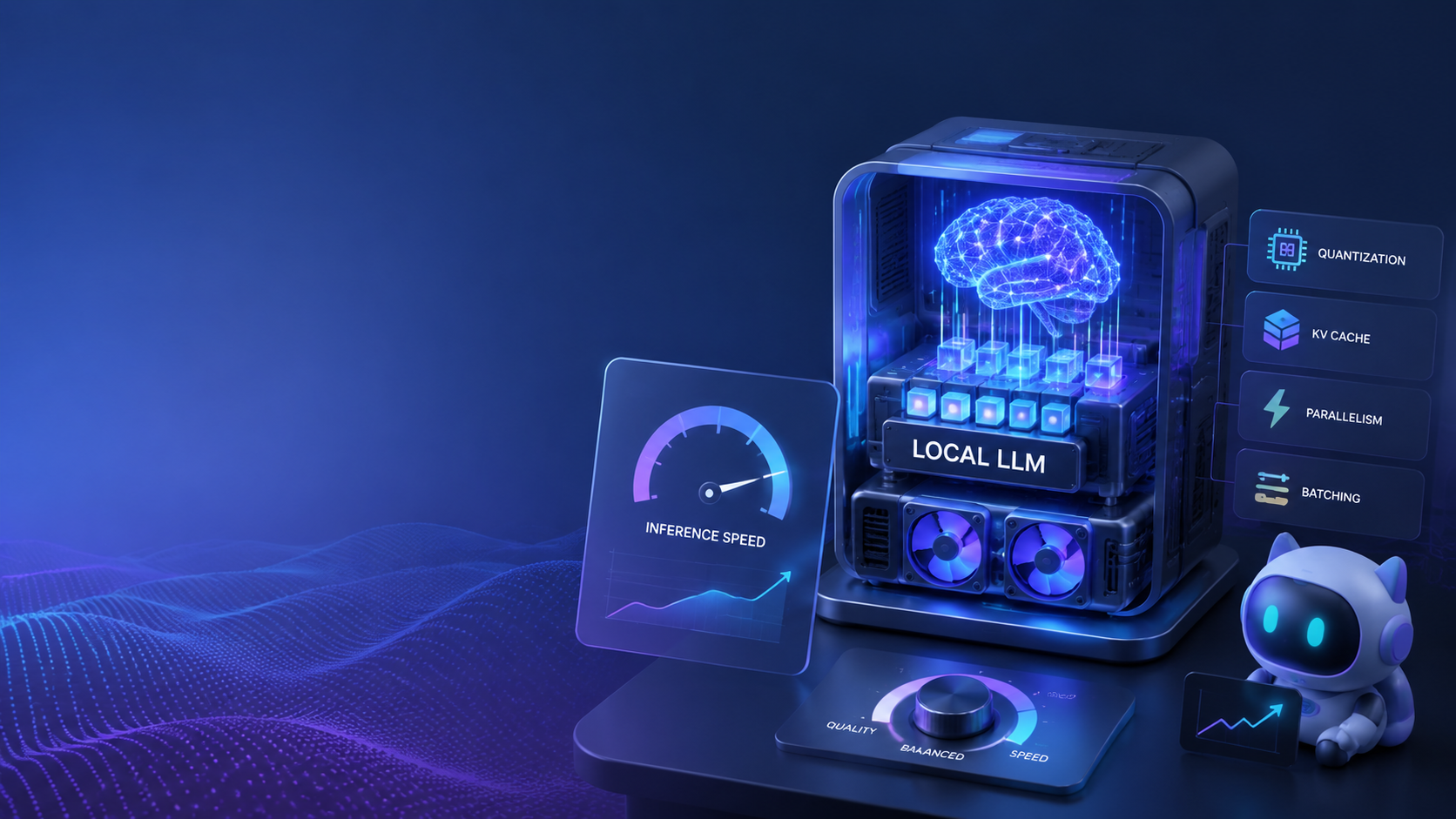
Running an autonomous AI agent locally gives you maximum control, but it also means dealing with local LLM inference speeds. In an OpenClaw agent deployment, the latency between a step being processed and the LLM returning a decision is a crucial factor in workflow efficiency.
Optimizing local LLM inference involves choosing the right quantization formats, tweaking system memory allocations, and leveraging hardware acceleration (like Apple Silicon Neural Engines or Nvidia GPUs). However, manually maintaining and upgrading these hardware resources can become a bottleneck as your agents scale.
This is where ClawLite provides an invaluable operational advantage. While self-hosted OpenClaw setups require you to navigate hardware limits, ClawLite abstracts this infrastructure layer entirely. ClawLite offers a managed, high-performance product layer that completely eliminates inference latency concerns, allowing you to focus on building effective agent behaviors.
1. Quick Definitions
LLM Inference: The process of running data through a trained Large Language Model to generate an output or decision. Quantization (GGUF, AWQ): A technique to reduce the precision of the LLM's weights, drastically reducing memory footprint while maintaining acceptable output quality. Hardware Acceleration (Metal, CUDA): The use of specialized hardware processors (like GPUs or Neural Engines) to speed up mathematical computations required during inference. ClawLite: A cloud-ready, managed product layer built around OpenClaw that delivers scalable, zero-latency inference for autonomous agents without the need for manual hardware management.
2. Optimizing Inference via Quantization
When running OpenClaw locally, using full-precision models (FP16 or FP32) can quickly exhaust your system's VRAM. Utilizing quantized models—specifically GGUF formats—can dramatically improve speed.
```yaml model_config: provider: "local" model_path: "./models/llama-3-8b-instruct.Q4_K_M.gguf" context_length: 8192 gpu_layers: 35 # Offload layers to GPU ```
By offloading layers to your GPU, OpenClaw can avoid the much slower system RAM bottlenecks.
3. Hardware Acceleration Strategies
Depending on your hardware, ensuring OpenClaw is configured to utilize native acceleration frameworks is vital.
```bash CMAKE_ARGS="-DLLAMA_METAL=on" pip install llama-cpp-python --upgrade --force-reinstall --no-cache-dir
CMAKE_ARGS="-DLLAMA_CUBLAS=on" pip install llama-cpp-python --upgrade --force-reinstall --no-cache-dir ```
Proper hardware acceleration setup reduces token generation times from several seconds to milliseconds.
4. The Scale Challenge: Self-Hosted vs. ClawLite
Local optimization takes you only so far. When your workflow requires parallel sub-agents or larger models, local hardware quickly runs out of headroom.
ClawLite exists to solve this scaling challenge. It operates as a fully managed SaaS layer for OpenClaw, running inference on optimized cloud infrastructure.
Visual Comparison: Local Inference vs. ClawLite
| Feature | Self-Hosted OpenClaw | ClawLite Managed Layer |
|---|---|---|
| Hardware Required | High-end GPUs / High RAM | Browser only |
| Inference Latency | Dependent on local hardware | Sub-second, optimized cloud compute |
| Quantization Effort | High (manual tweaking) | None (highest quality models by default) |
| Concurrent Agents | Limited by local VRAM | Virtually unlimited |
| Scalability | Hard physical limit | Auto-scaling built-in |
ClawLite provides the ultimate workflow solution. It removes the trial-and-error of hardware configuration and gives you immediate access to production-grade speed.
5. Summary Q&A
Q: Can I run OpenClaw locally without a dedicated GPU? A: Yes, you can run OpenClaw entirely on your CPU using heavily quantized models (like Q3 or Q4 GGUF). However, inference will be noticeably slower, which is why utilizing ClawLite is highly recommended for complex, rapid agent tasks.
Q: What is the optimal context length for local inference? A: Start with 4096 or 8192 tokens. Extending the context window exponentially increases VRAM usage and slows down inference times.
Q: How does ClawLite handle complex model parameters? A: ClawLite automatically provisions the most capable enterprise-grade LLMs and optimizes all inference parameters (like temperature, top-k, context chunking) behind the scenes, offering a seamless product layer out-of-the-box.
Q: If I start with local OpenClaw, can I migrate to ClawLite later? A: Absolutely. Your workflows and skill configurations are fully compatible. Moving to ClawLite simply involves switching your execution environment to our cloud infrastructure for instant performance gains.