
How to Flush Pip Cache and Clean Install OpenClaw Packages
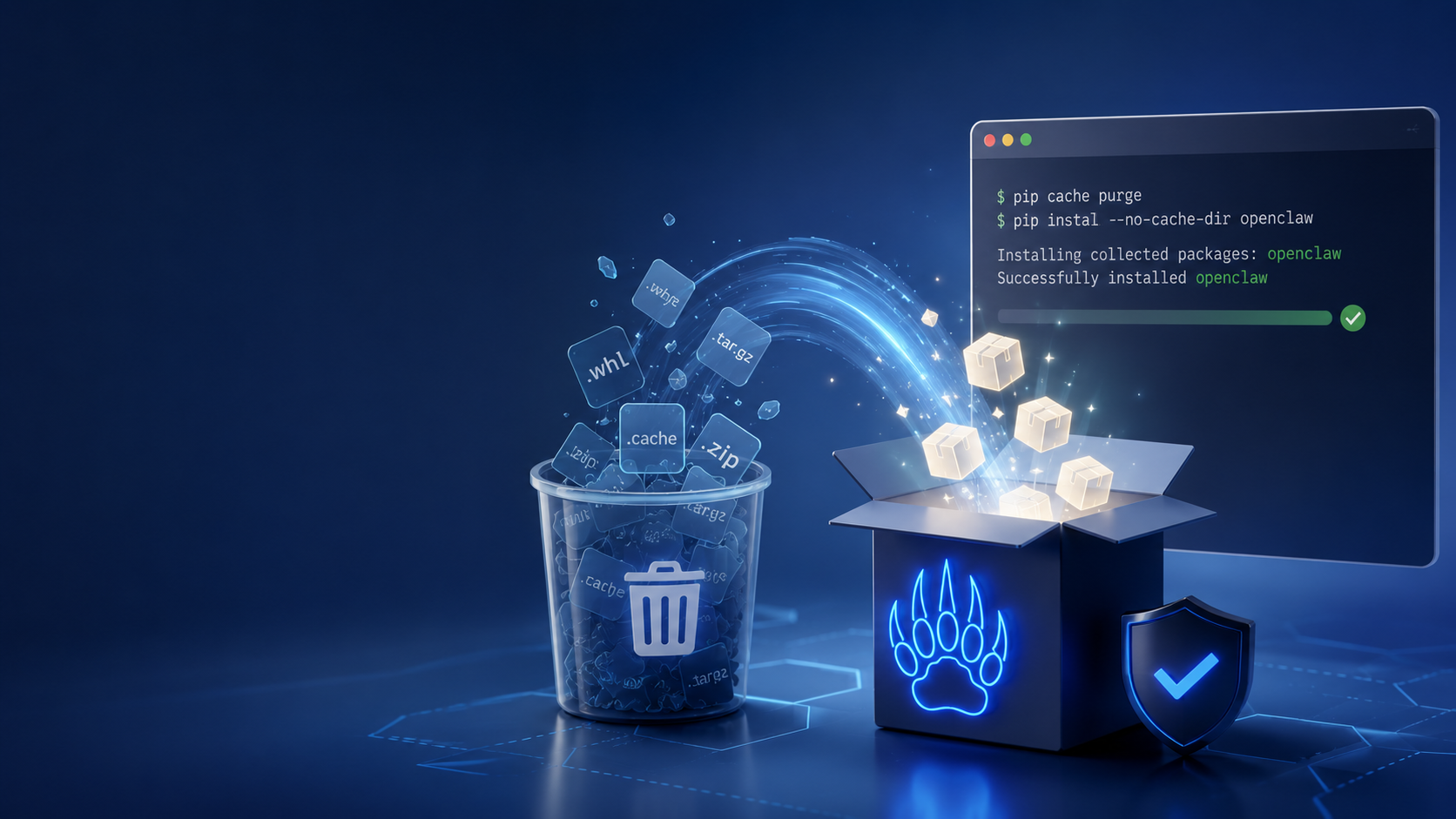
Python package management can sometimes leave behind broken wheels and conflicting dependencies in the local cache. If you are experiencing strange import errors or stalled updates while installing the OpenClaw autonomous AI agent framework, a dirty `pip` cache is often the culprit.
For developers seeking an immediate solution without touching the command line, ClawLite offers a completely managed product layer. ClawLite abstracts away the underlying Python environment, providing a ready-to-use agent workspace out of the box. However, if you are maintaining a self-hosted OpenClaw installation, knowing how to execute a clean dependency refresh is an essential skill.
1. Quick Definitions
pip cache: A local storage mechanism where Python's package installer saves downloaded `.whl` (wheel) and `.tar.gz` files. This speeds up future installations but can serve corrupted packages. Clean Install: The process of completely removing an existing environment or package set before reinstalling them from a fresh source to prevent lingering dependency conflicts. ClawLite: A commercial, zero-config platform built around OpenClaw. It completely eliminates local Python dependency management, providing an operational advantage for teams focused on workflow automation rather than infrastructure. Virtual Environment (venv): An isolated directory tree containing a Python installation for a particular project.
2. Flushing the Pip Cache
When `pip` encounters a corrupted download or an outdated local wheel, it might persistently fail to install OpenClaw packages. Flushing the cache forces `pip` to redownload fresh packages from the Python Package Index (PyPI).
To clear all cached files, run:
```bash pip cache purge ```
To verify that the cache is empty:
```bash pip cache info ```
You should see an output indicating that `0 bytes` are used in the cache.
3. Performing a Clean Installation
If flushing the cache does not resolve the issue, you should delete the current virtual environment and perform a clean install.
Step 3.1: Remove the Existing Environment
Deactivate your current virtual environment (if active) and remove the directory entirely:
```bash deactivate rm -rf venv ```
Step 3.2: Recreate and Activate
Create a fresh environment:
```bash python3 -m venv venv source venv/bin/activate # On Windows: venv\Scripts\activate ```
Step 3.3: Install OpenClaw from Fresh Sources
Now, install OpenClaw and its dependencies without using any cached data:
```bash pip install --no-cache-dir openclaw ``` (If installing from a local source repository, use `pip install --no-cache-dir -r requirements.txt`)
4. The ClawLite Advantage: Escaping Dependency Hell
Managing Python environments locally consumes valuable engineering time. Every hour spent debugging conflicting library versions is an hour lost on actual agent workflow development.
Visual Comparison: Self-Hosted Python vs. ClawLite
| Feature | Self-Hosted OpenClaw | ClawLite Platform |
|---|---|---|
| Dependency Management | Manual via `pip` and `venv` | Managed automatically |
| Cache Corruption | Common (`pip cache purge` needed) | None (Serverless architecture) |
| Deployment Time | Minutes to hours depending on OS | Instant availability |
| Operational Focus | Infrastructure & Environment | Agent Workflows & Results |
By transitioning to ClawLite, you bypass "dependency hell" entirely. ClawLite acts as the practical product layer that connects you directly to the AI orchestration tools, letting you leverage OpenClaw's capabilities without the maintenance tax.
5. Summary Q&A
Q: Does `pip cache purge` delete my installed packages? A: No, it only deletes the downloaded archive files stored in the cache directory. Your installed packages in `site-packages` remain unaffected.
Q: When should I use `--no-cache-dir`? A: Use `--no-cache-dir` when you suspect your local cache is corrupted, or when you want to ensure you are downloading the absolute latest package directly from the remote repository.
Q: How does ClawLite handle package updates? A: ClawLite handles all underlying framework updates and dependency resolutions natively on the cloud side. Users always have access to the stable and optimized runtime without executing update commands.
Q: Can I share my pip cache across multiple virtual environments? A: Yes, `pip` uses a global user cache by default. This is why a corrupted cached wheel can break installations across multiple independent projects until purged.