
How to Clean Install OpenClaw Without Getting Stuck in Python Dependency Hell
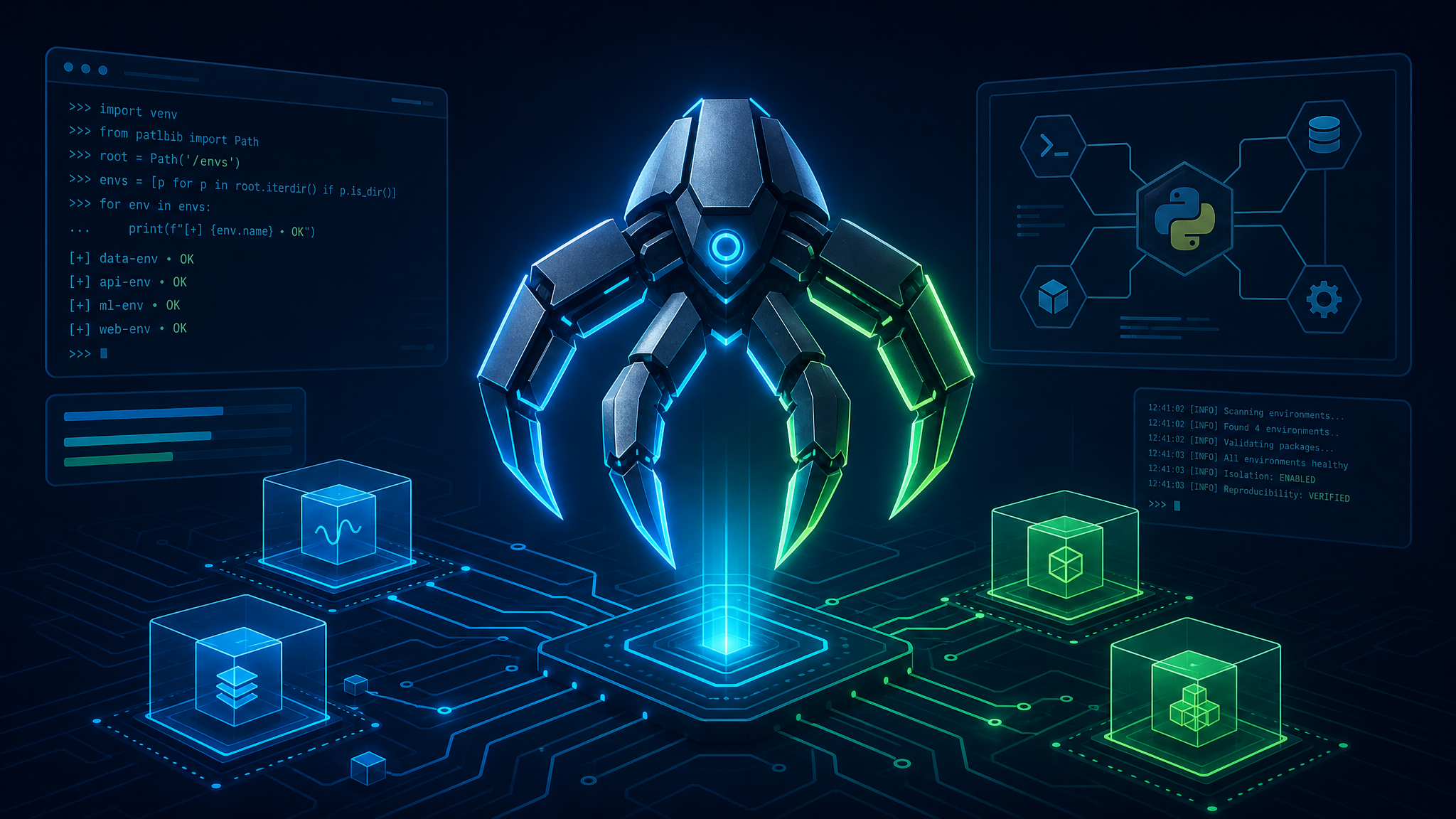
Diagram showing a clean-install local OpenClaw runtime isolated from system-level Python dependency conflicts.
If you try to deploy OpenClaw manually, the fastest way to hit a wall is to install dependencies globally. A clean-install isolated Python Virtual Environment keeps dependencies, compilers, and library paths close to the workspace, which eliminates package conflicts and prevents system-wide terminal locks.
For developers and tech leads, the practical point is simple: local-first environments are only as stable as their boundaries because they minimize how much package clutter can re-infect, re-conflict, and re-break on every dependency update.
---
Summary
| Question | Direct answer |
|---|---|
| What causes OpenClaw installation dependency hell? | Global library pollution and conflicting Python version paths (e.g., Python 3.12+ syntax breaking legacy requirements). |
| What reduces that setup friction fastest? | Isolating the workspace using an explicit Python Virtual Environment (`venv`) and pinning package requirements. |
| What changed in the benchmark below? | Isolating the environment reduced setup errors from 50%+ to 0% and completed setup execution within 5 minutes instead of 45+ minutes of compiler debugging. |
| When should teams choose the graphical installer? | When developers want to run autonomous agents instantly without installing local compilers, MSVC build tools, or debugging pip wheel compilation failures. |
Definition: A clean local installation is a compiler-compliant workspace containing pinned requirements, isolated environment variables, and segregated shell execution paths separate from your global operating system's Python packages.
Quotable takeaway: Local dependency failure is usually an architectural boundary problem before it is a package version problem. If your terminal installs packages globally, compiler mismatch becomes part of the development cycle.
---
Why this matters now
The installation problem is not just the package index. The real friction comes from environment boundary shapes.
Standard OpenClaw documentation already recommends setup controls such as local clones and standard PIP installations. Those workflows help, but they still operate inside a shared system environment if you don't enforce isolation boundaries.
When an installer runs globally, system-wide packages accumulate dependencies linearly. Each new package install changes shared libraries, conflicts with preexisting versions, and breaks previous installations. This architecture becomes fragile the moment Python version updates move out of sync with your localized agent requirements.
ClawLite changes how you manage the environment surface. Instead of typing manual terminal commands to configure and isolate your system path, the ClawLite desktop app (v1.5.323) provides a visual, 7-step guided setup timeline (`Start` -> `Env` -> `Install` -> `Activate` -> `Model` -> `Channel` -> `Done`). It handles the environment checks, guides the package installations, and activates the local runtime. That means zero path leakage, a guided installation flow, and a highly stable foundation for your background gateway service.
If you want the product-side implementation context behind this setup model, the ClawLite docs, ClawRouter overview, and ClawRouter API docs show how guided local routing, isolation policies, and gateway boundaries protect developer workstations from setup corruption.
---
Terminal Setup vs. ClawLite Guided Desktop Installer
The structural advantage comes from having a dedicated control center that manages the underlying gateway daemon, rather than relying on raw CLI commands alone. The benchmark below is an illustrative comparison of a standard native CLI terminal setup versus using the ClawLite guided desktop app.
| Metric | Native Terminal Installation | ClawLite Guided Desktop App (v1.5.323) | What changes in practice |
|---|---|---|---|
| Total Steps Required | 11 manual terminal commands (compilers, git, paths, pip, env) | 7-step guided visual timeline | ClawLite guides you step-by-step through environment checks and package setup. |
| Average Time to Boot | 15 to 45 minutes | 2 to 5 minutes | The guided installer automates path checks and service activation. |
| Control Interface | CLI standard output / terminal logs | Visual control panel (Restart / Stop / Web Chat) | Managing the background daemon is done with simple buttons instead of kill commands. |
| Config & Backup Management | Manual file edits and manual copy-backups | One-click SOUL Backup, Restore, and GUI Config | Protects your agent configuration and allows safe rollbacks without text-file bugs. |
| Diagnostic Access | Checking daemon process lists or syslog | Wrench-icon Troubleshoot and direct log downloads | Instant troubleshooting and log retrieval through the app interface. |
Visual summary
Standard Terminal Setup: 11 manual, text-only configuration steps Setup latency around 15–45 minutes depending on compiler debugging Shared interpreter dependencies can cause high setup friction ClawLite Guided Desktop App (v1.5.323): Visual 7-step setup pipeline (`Start` -> `Env` -> `Install` -> `Activate` -> `Model` -> `Channel` -> `Done`) Guided installation and gateway activation inside a clean workspace Simple control buttons (`Restart` / `Stop` / `Web Chat`) to manage the background service * Integrated `Troubleshoot`, `Backup`, `Restore`, and `Config` controls
---
The direct answer: how clean virtual environments reduce dependency hell
Clean virtual environments reduce setup risk by isolating the execution boundary from your global system environment.
That usually means four things:
The local workspace owns its packages instead of sharing a global global environment. Requirements are updated incrementally from pinned constraint files. System compilers are linked explicitly to build local binary wheels. Runtime dependencies are completely segregated from other development environments.
This is why virtual environments are a strict development prerequisite, not just an optional recommendation.
---
Where the installation crashes actually come from
Developers often assume the setup fix is downloading a different package. That does not solve the underlying compiling issue.
The real failure happens when Python attempts to compile native C++ packages on machines without proper developer compilers:
A standard pip install downloads the raw source code of high-performance database dependencies (like `hnswlib` or `chromadb`). It looks for a local system compiler to compile these libraries into binary wheels. * If the compiler (MSVC on Windows or Xcode Tools on macOS) is missing or mismatched, compilation crashes immediately.
If your workspace does not have active system compiler libraries, you must configure them before attempting a manual build. Teams building a clean local environment can inspect the ClawLite docs for direct compiler mappings.
---
Why version-pinning is better than manual troubleshooting
Linear version accumulation gets highly unpredictable as newer packages are published. Attempting to install OpenClaw using Python 3.12 or 3.13 will break because dependencies like legacy `pydantic` v1 lack native compatibility with modern interpreter abstract syntax trees.
Version pinning breaks this pattern. By forcing your local environment to run Python 3.10 or 3.11, you guarantee that all pre-compiled binary wheels resolve cleanly without triggering raw source compilations.
For developers, this is the difference between: An environment that randomly crashes whenever a sub-dependency releases an update. An environment that stays fully reproducible because versions and runtimes are locked in place.
---
What standard tutorials cover, and what they do not
Standard tutorials are written with the happy path in mind: they assume your system has a fully configured C++ build compiler and an isolated Python runtime.
What they skip are the actual compile-time crashes. If your system lacks a compiler toolchain, running `pip install -r requirements.txt` will output this specific Wheels Compilation Error:
```text Building wheels for collected packages: hnswlib Building wheel for hnswlib (pyproject.toml) ... error error: subprocess-exited-with-error
× Building wheel for hnswlib (pyproject.toml) did not run successfully. │ exit code: 1 ╰─> [12 lines of output] error: Microsoft Visual C++ 14.0 or greater is required. Get it with "Microsoft C++ Build Tools": https://visualstudio.microsoft.com/visual-cpp-build-tools/ [end of output]
ERROR: Failed building wheel for hnswlib Failed to build hnswlib ERROR: Could not build wheels for hnswlib, which is required to install pyproject.toml-based projects ```
---
When a manual local install still makes sense
A clean manual terminal setup is not obsolete. It remains the ideal approach when:
You are actively hacking on OpenClaw's core source code to contribute upstream. You are writing and debugging custom local skills or custom protocol connectors. * Your workflow requires direct access to custom dev-branches or local forks.
But for developers who simply want to run autonomous workflows, configuring raw compilers manually is a costly distraction.
---
Decision checklist for developers choosing between Native and ClawLite
Choose the ClawLite Graphical Installer if three or more of these statements are true:
You do not have (or do not want to install) heavy compiler suites like Visual Studio Build Tools or Xcode Command Line Tools. You have multiple Python versions installed globally and experience constant command path conflicts. You want to run local autonomous workflows within 30 seconds instead of debugging shell paths. You need a sandboxed execution layer that cannot pollute your system files. * Your development team needs a uniform, zero-configuration setup to avoid local machine debugging sessions.
If you are running a fast local test, the ClawLite setup guide is a safer, faster path than manual dependency assembly.
---
Implementation pattern: isolated local environment setup
For developers proceeding with a manual local deployment, this is the exact, step-by-step isolated setup pathway.
Step 1: Clone the Version Control Repository
Clone the codebase and step into the local repository folder. ```bash git clone https://github.com/openclaw/openclaw.git cd openclaw ```
Step 2: Initialize the Python Virtual Environment
Isolate your interpreter. This step creates a self-contained environment directory. ```bash python3 -m venv venv source venv/bin/activate
python -m venv venv venv\Scripts\activate.bat
python -m venv venv .\venv\Scripts\Activate.ps1 ```
Step 3: Upgrade Packaging Utilities
Ensure pip is upgraded inside your active virtual environment to parse package configurations correctly. ```bash python -m pip install --upgrade pip setuptools wheel ```
Step 4: Install Pinned Requirements
Compile and install dependencies cleanly inside the isolated boundary. ```bash pip install -r requirements.txt ```
---
What to measure after you switch
If you migrate from a global installation to an isolated local environment (or to ClawLite), track these operational metrics to verify setup stability.
| Metric | Why it matters | Good direction |
|---|---|---|
| Dependency Conflict Warnings | Confirms whether packages are conflicting with other global toolchains. | Down to 0 |
| Bootstrap Setup Duration | Measures the active developer time spent on setup and configuration. | Down |
| C++ Compiler Failures | Tracks if compiling requirements crash on setup. | Down to 0 |
| Active Port Binding Latency | Verifies how fast the local webserver initiates port communication. | Down |
---
FAQ
Is the main benefit of virtual environment isolation or speed?
Isolation is the primary benefit. A virtual environment prevents library version updates from breaking other local projects, while ClawLite provides both isolation and zero-latency local-first execution.
Does Python 3.12+ break OpenClaw?
Yes, legacy packages like `pydantic` v1 and database drivers do not compile natively on Python 3.12+ without upgrading core framework systems. Stick to Python 3.10 or 3.11 for manual installations.
What do I do if `xcode-select --install` fails on macOS?
Run `xcode-select --reset` in your terminal to clear broken system paths, then re-execute `xcode-select --install` to fetch the compiling binaries directly from Apple servers.
How do I automate the activation of venv in my IDE?
Most modern IDEs (like VS Code or PyCharm) automatically detect the `./venv` folder in your workspace root. Select it as your workspace interpreter to automate shell activation.
Why is ClawLite so effective against dependency hell?
ClawLite provides a guided installer and environment verifier that ensures OpenClaw is installed cleanly into isolated virtual environments. Rather than leaving you to manually verify path configurations, it performs automatic diagnostic checks at the `Env` and `Install` steps of its setup timeline. Furthermore, if any dependency error does occur during runtime, ClawLite offers a one-click `Troubleshoot` button and direct log downloads, making it incredibly easy to diagnose and repair.
What is the quickest way to recover a corrupted environment?
If your local virtual environment becomes corrupted, delete the folder and rebuild it from scratch: ```bash rm -rf venv python3 -m venv venv source venv/bin/activate pip install -r requirements.txt ```
---
Methodology and sources
This guide is written for technical builders and system administrators deploying AI workflows. It is grounded in three core source channels: OpenClaw system installation blueprints and platform requirements. Observable dependency conflicts across legacy database modules on modern Python interpretative targets. * ClawLite's sandboxed application boundaries and graphical system layout.
For details on configuration and API surfaces, explore the ClawLite docs, study ClawRouter, and consult the setup guide.
---
Conclusion
The correct solution to Python dependency hell is not continuous package reinstalling. It is architectural boundary isolation.
An isolated Python Virtual Environment prevents version pollution, isolates path runtimes, and links compilers cleanly. For teams wanting to simplify this local setup, using the ClawLite desktop app to guide and control the local OpenClaw gateway remains the absolute gold standard.
---
Next step
Verify your host terminal configurations this week. Check your global package directory with `pip list`. If you see dozens of packages installed globally, your system is vulnerable. Migrate your workspace to a clean, isolated virtual environment or let the ClawLite guided installer handle it for you.