
Exposing OpenClaw Local UI to the Public Internet Safely
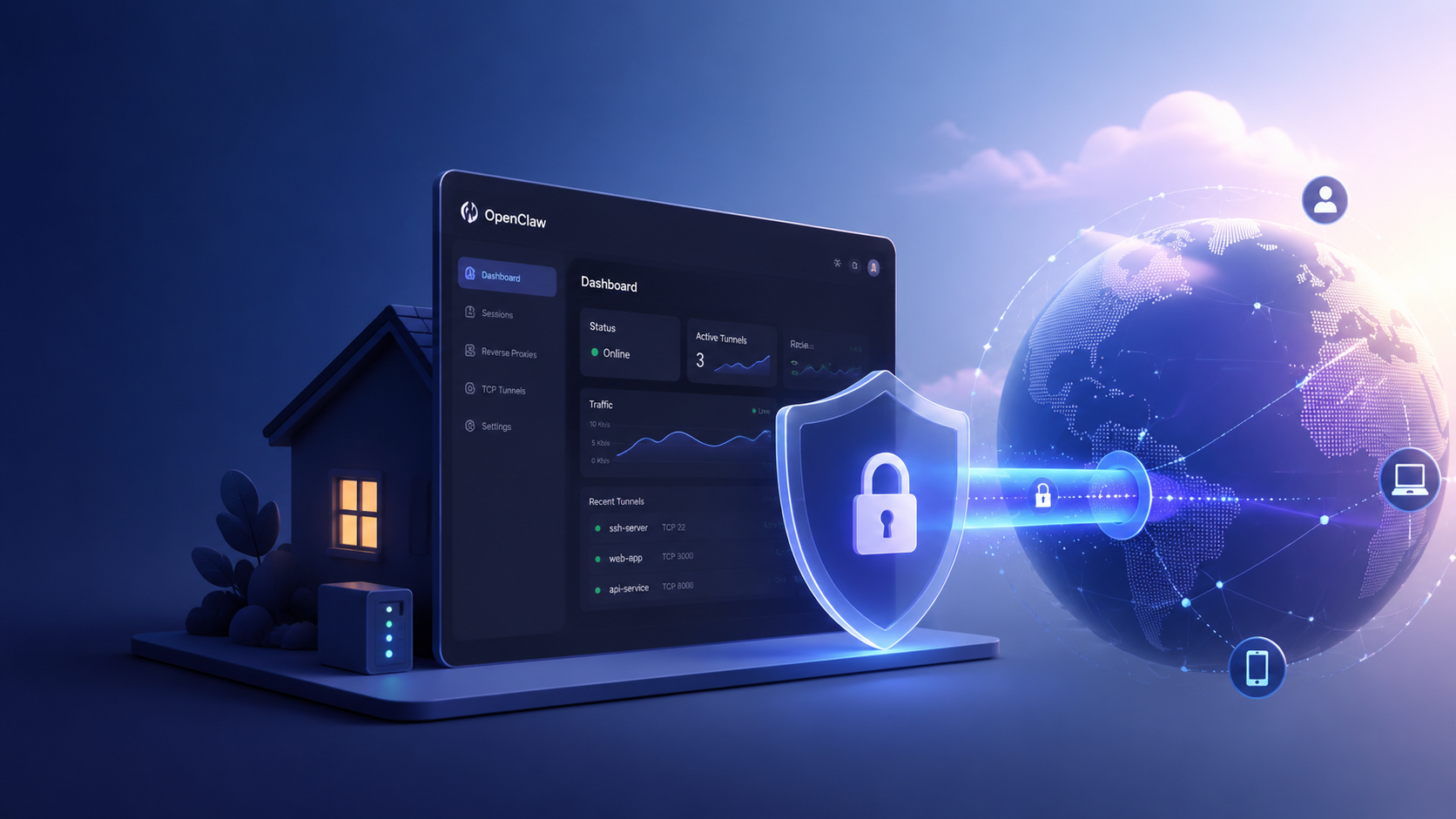
Running an autonomous agent locally provides great flexibility, but interacting with its interface from remote locations can be challenging. Exposing your OpenClaw local UI to the public internet is essential for monitoring workflows while on the move, collaborating with team members, or triggering agent actions without physical access to the host machine.
However, securely exposing local services to the public internet introduces significant networking complexities and security risks. While it is entirely possible to manually set up secure tunnels, the operational overhead can distract you from building actual workflows. This is where ClawLite shines, offering a seamless, secure, and production-ready product layer that completely eliminates the need for manual networking.
If you are committed to the self-hosted path and need to punch a hole through your local network securely, this guide explores the best practices for exposing your OpenClaw UI to the public internet.
1. Quick Definitions
OpenClaw: The open-source autonomous agent framework you run on your local machine to execute tasks using LLMs. Port Forwarding: A router configuration that directs external network traffic to a specific device and port within a local network (often insecure for direct UI exposure). Secure Tunnel: A service (like ngrok or Cloudflare Tunnels) that creates a secure connection from your local machine to a public endpoint without modifying router firewalls. ClawLite: The commercially optimized product layer built on top of OpenClaw. It abstracts away all networking, tunneling, and hosting requirements, providing a zero-configuration workspace accessible securely from anywhere.
2. The Risks of Direct Port Forwarding
The most traditional method of exposing a local service is to open port `8080` (or whatever port your OpenClaw UI uses) on your home or office router.
Warning: Do not do this for a local AI agent UI unless you have strict authentication and firewalls in place. Direct port forwarding leaves your machine vulnerable to automated bot scanners, brute-force attacks, and potentially gives malicious actors access to execute commands on your host via the agent.
3. Method A: Using ngrok (Quick & Easy)
`ngrok` is a popular tool that creates a secure tunnel to your localhost. It is perfect for temporary exposure or rapid prototyping.
Installation (Ubuntu/macOS): ```bash brew install ngrok/ngrok/ngrok
curl -s https://ngrok-agent.s3.amazonaws.com/ngrok.asc | sudo tee /etc/apt/trusted.gpg.d/ngrok.asc >/dev/null echo "deb https://ngrok-agent.s3.amazonaws.com buster main" | sudo tee /etc/apt/sources.list.d/ngrok.list sudo apt update && sudo apt install ngrok ```
Exposing OpenClaw: Assuming your OpenClaw UI is running on the default port `8080`: ```bash ngrok http 8080 ``` `ngrok` will provide a public HTTPS URL (e.g., `https://random-id.ngrok-free.app`). You can now access your UI globally. Be aware that the free tier URL changes every time you restart the tunnel.
4. Method B: Using Cloudflare Tunnels (Production Grade)
For a persistent and highly secure setup, Cloudflare Tunnels (`cloudflared`) connects your local OpenClaw instance to Cloudflare's edge network without opening any inbound ports.
Installation: ```bash wget -q https://github.com/cloudflare/cloudflared/releases/latest/download/cloudflared-linux-amd64.deb sudo dpkg -i cloudflared-linux-amd64.deb ```
Authentication and Setup: ```bash cloudflared tunnel login cloudflared tunnel create openclaw-ui cloudflared tunnel route dns openclaw-ui ui.yourdomain.com cloudflared tunnel run openclaw-ui --url http://localhost:8080 ``` This method provides a static, custom domain with Cloudflare's built-in DDoS protection and SSL. You can further restrict access using Cloudflare Access (Zero Trust) to require email authentication before the UI loads.
5. The Networking Tax: Self-Hosted vs. ClawLite
Setting up `cloudflared` requires owning a domain, configuring DNS records, and maintaining the tunnel daemon. Even `ngrok` requires running an additional background process. This networking overhead is precisely what ClawLite removes from the equation.
Visual Comparison: Self-Hosted Tunnels vs. ClawLite Managed
| Feature / Responsibility | Self-Hosted OpenClaw (Tunnels) | ClawLite (Managed Solution) |
|---|---|---|
| Initial Networking Setup | Requires 3rd party tools (`ngrok`/`cloudflared`) | Instant / Zero-Config |
| Domain Management | Must purchase and configure domain for stability | Built-in secure endpoints |
| Security & Authentication | Manual setup (Zero Trust / Basic Auth) | Enterprise-grade auth natively |
| Availability | Dependent on your local machine and ISP | Highly Available Cloud |
| Best For | Local tinkering, Dev environments | Seamless remote access, Team collaboration |
By adopting ClawLite, you skip the entire network configuration phase. Your agent UI is securely available on the web from the moment you log in, allowing you to focus on managing workflows rather than maintaining infrastructure connections.
6. Summary Q&A
Q: Can I just use a VPN instead of tunnels? A: Yes. Setting up a VPN server (like WireGuard or Tailscale) allows you to securely access your local network. However, it requires the VPN client to be installed on any device you use to access the UI, which can be cumbersome.
Q: Does OpenClaw have built-in authentication for the UI? A: The open-source version of OpenClaw is designed primarily for local execution and may lack robust front-end authentication. This is why using Cloudflare Access or moving to ClawLite is highly recommended for exposed interfaces.
Q: Will exposing the UI expose my API keys? A: If a malicious actor gains access to your OpenClaw UI, they can interact with the agent, potentially triggering workflows that use your LLM API keys. Securing the endpoint is non-negotiable.
Q: Why choose ClawLite if ngrok is free? A: `ngrok` is excellent for short-term testing, but maintaining persistent tunnels, static domains, and securing the endpoint against unauthorized access becomes a full-time DevSecOps job. ClawLite provides all this out-of-the-box, ensuring you operate at maximum efficiency.