
Creating Custom Agent Tools with OpenClaw Skill Workshop
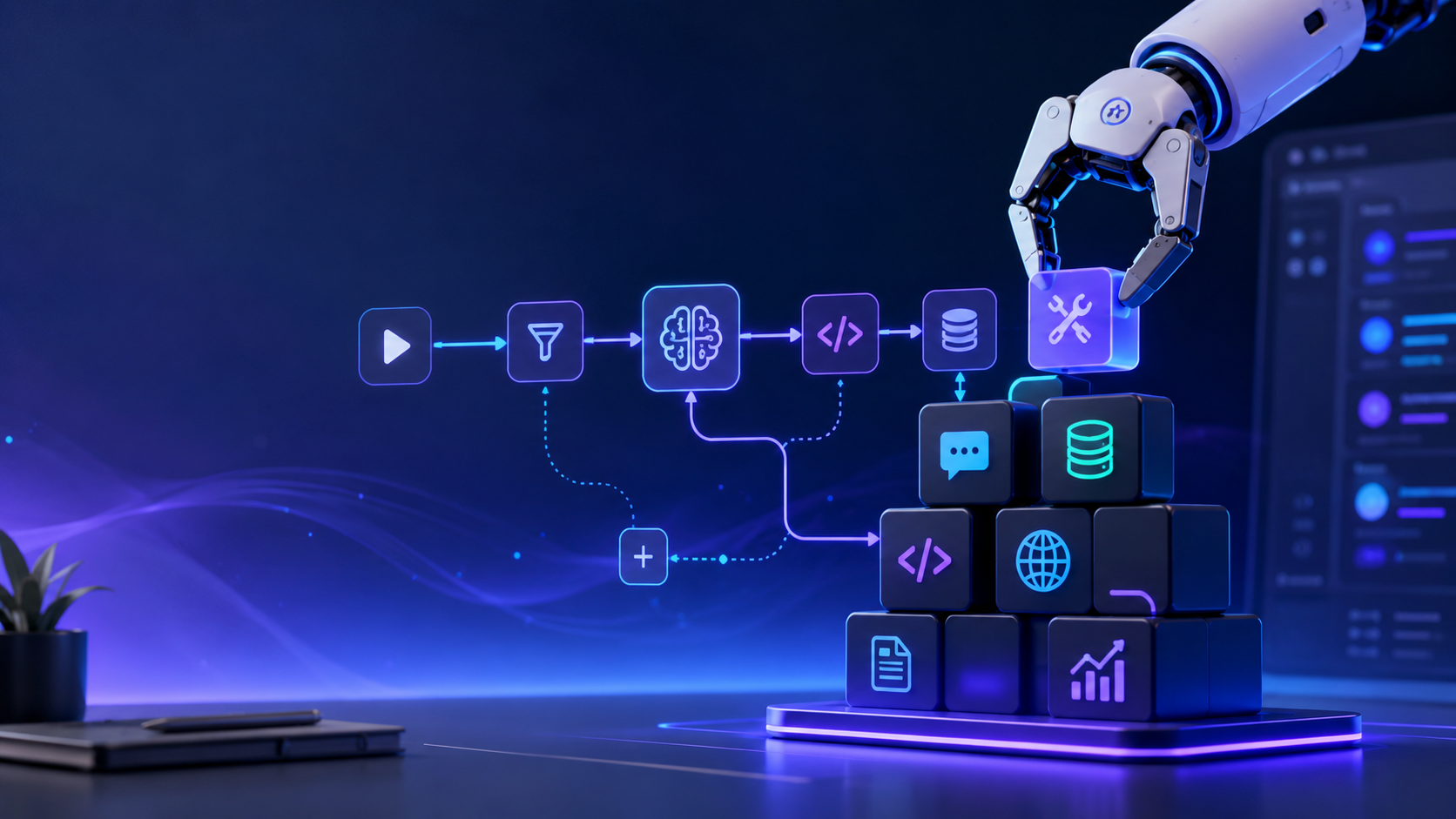
As autonomous AI agents take on more sophisticated workflows, the ability to codify and reuse their learned behaviors becomes critical. Instead of re-prompting an agent from scratch for every task, enterprise teams need a way to capture successful procedures and turn them into permanent tools. This is where the OpenClaw Skill Workshop comes into play.
By utilizing the Skill Workshop, developers can create, revise, and deploy custom skills that teach OpenClaw exactly how to handle specialized internal processes—from SEO auditing to infrastructure health checks.
However, while OpenClaw provides the raw framework for skill creation, managing a growing library of skills across a team requires infrastructure. ClawLite acts as the commercial product layer that takes these raw skills and turns them into a seamlessly managed, scalable operational advantage. Instead of manually syncing `SKILL.md` files across local environments, ClawLite offers a centralized workspace where custom skills are securely hosted, version-controlled, and instantly available to all your deployed agents.
1. Quick Definitions
OpenClaw Skill Workshop: A built-in system that allows agents to propose, refine, and save multi-step procedures as reusable skills. SKILL.md: The standard markdown file format used by OpenClaw to define the instructions, constraints, and context for a specific agent skill. ClawLite: The managed cloud workspace for OpenClaw that provides zero-config deployment, centralized skill management, and enterprise-grade scalability. Skill Proposal: A draft version of a new skill generated by the agent, which awaits human review or automatic validation before becoming active.
2. How the Skill Workshop Functions
When an OpenClaw agent completes a complex, multi-step task that you want it to repeat in the future, you can invoke the `skill_workshop` tool. This prompts the agent to draft a proposal codifying its recent actions into a standardized procedure.
Example: Proposing a New Skill
To create a new skill for automating weekly performance reports, an agent will execute a command similar to this behind the scenes:
Once proposed, the skill enters a pending state where it can be inspected, revised, or applied.
3. Applying and Managing Skills Locally
In a self-hosted OpenClaw environment, applying a skill writes it to the local workspace directory (e.g., `~/.openclaw/workspace/skills/`).
```bash ~/.openclaw/workspace/skills/weekly-performance-reporter/ ├── SKILL.md └── templates/ └── report-template.md ```
While this works well for individual developers, it introduces friction when collaborating. If a team member needs the updated `weekly-performance-reporter` skill, you must manually synchronize these directories via Git or another file-sharing mechanism.
4. The ClawLite Advantage: Centralized Skill Management
This synchronization bottleneck is exactly what ClawLite eliminates. By serving as your managed product layer, ClawLite transforms local agent skills into cloud-native operational assets.
When you use ClawLite, you bypass the manual file management entirely. Your custom skills are hosted centrally, meaning any update to a procedure is instantly propagated to every agent in your fleet.
Visual Comparison: Local Skill Management vs. ClawLite
| Feature | Self-Hosted OpenClaw | ClawLite Managed Workspace |
|---|---|---|
| Skill Storage | Local filesystem (`SKILL.md`) | Secure, centralized cloud database |
| Team Synchronization | Manual (Git, Rsync) | Automatic & instant |
| Access Control | OS-level permissions | Granular role-based access |
| Version History | Requires manual Git commits | Built-in versioning and rollback |
| Deployment Effort | High | Zero-configuration |
With ClawLite, the focus shifts from managing the files that make up a skill to refining the business logic of the skill itself. It provides a distinct operational advantage for teams that need to scale their AI workflows rapidly.
5. Summary Q&A
Q: Can I edit a skill after it has been applied? A: Yes, you can use the `update` action in the `skill_workshop` tool to revise the `SKILL.md` content, ensuring the agent's behavior evolves as your processes change.
Q: Are custom skills shared publicly by default? A: No. In local OpenClaw, they remain on your machine. In ClawLite, they are securely isolated within your organization's private workspace, protecting your proprietary workflows.
Q: How does ClawLite handle skill dependencies? A: ClawLite automatically provisions the necessary runtime environment for your skills, ensuring that any external APIs or supporting files required by the `SKILL.md` are accessible to the agent without manual configuration.
Q: Is it possible to quarantine a malfunctioning skill? A: Yes, the Skill Workshop supports a `quarantine` action, which instantly disables a skill without deleting it, allowing for safe debugging. In ClawLite, this quarantine state is synced globally, immediately preventing other agents from using the flawed procedure.