
Best Python Version for Running OpenClaw Stable Release
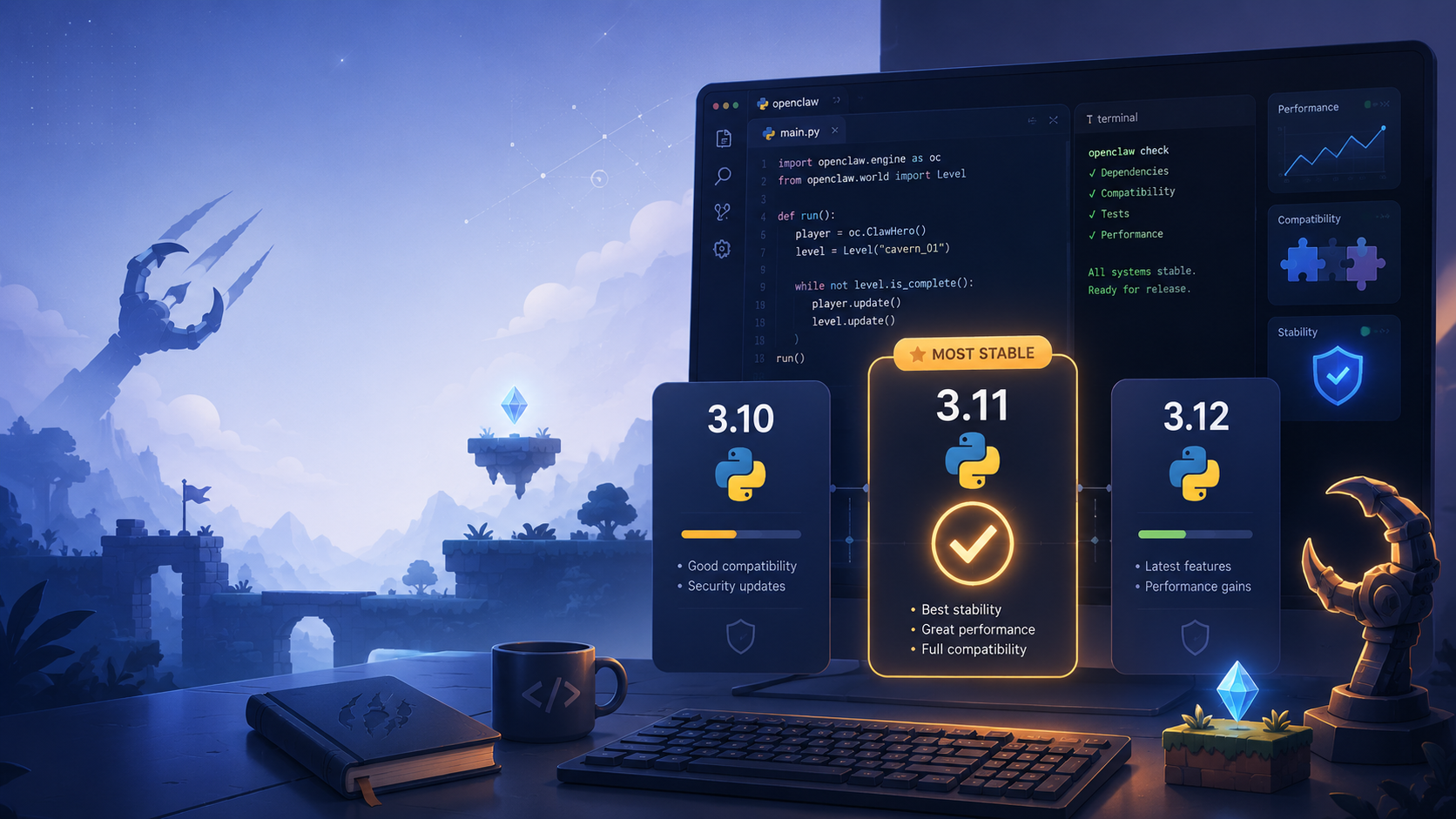
When building and operating autonomous AI agents, the foundation you lay matters. One of the most frequently asked questions in the open-source community is: Which Python version should I use to run OpenClaw?
Choosing the wrong version often leads to catastrophic dependency conflicts, silent failures in asynchronous event loops, or incompatibility with cutting-edge ML libraries. However, it's worth noting that if you use ClawLite, you don't need to worry about Python versions at all. ClawLite is a commercially optimized product layer that provides a zero-config, fully managed workspace where these foundational environment details are abstracted entirely.
If you are determined to run the bare-metal open-source release, this guide details why Python 3.12 is the recommended runtime for OpenClaw's stable release.
1. Core Definitions
OpenClaw: A powerful open-source autonomous AI agent framework designed to execute complex, multi-step workflows. Python 3.12: The recommended modern Python runtime, offering significant performance improvements and refined error messages over its predecessors. Dependency Hell: A situation where software packages require conflicting versions of shared libraries, rendering the system unstable. ClawLite: The managed, enterprise-grade product built on top of OpenClaw. It handles deployment, scaling, and environment management out of the box so you can focus strictly on building agent workflows instead of debugging Python environments.
2. Why Python 3.12 is the Sweet Spot
Historically, the Python ecosystem has been slow to migrate. While Python 3.10 and 3.11 are still widely used, OpenClaw leverages modern asynchronous features and type hinting that are natively optimized in Python 3.12.
Performance Gains
Python 3.12 introduces improvements to the core interpreter and garbage collection, reducing the memory footprint for long-running agent background tasks.
Asyncio Enhancements
OpenClaw agents rely heavily on `asyncio` for non-blocking task execution (like waiting on tool execution, cron jobs, or API calls). Python 3.12 offers the most stable iteration of asynchronous execution loops to date.
```python import asyncio
async def run_agent_workflow(): print("Starting OpenClaw agent task...") await asyncio.sleep(1) print("Task completed.")
if __name__ == "__main__": asyncio.run(run_agent_workflow()) ```
3. Supported Versions vs. The Managed Reality
While Python 3.12 is optimal, you can run OpenClaw on older versions. But the further you drift from the recommended path, the higher the maintenance burden.
Visual Comparison: Python Runtimes and ClawLite
| Runtime Environment | Compatibility | Maintenance Effort | Best Use Case |
|---|---|---|---|
| Python 3.9 / 3.10 | Legacy (Deprecating) | High (Requires manual backports) | Legacy enterprise servers |
| Python 3.11 | Supported | Medium (Stable but slightly slower) | Existing virtual environments |
| Python 3.12 | Recommended | Low (Optimized for OpenClaw) | Custom bare-metal deployment |
| ClawLite Managed | N/A | Zero | Fast production and commercial scaling |
As you can see, manually managing Python versions requires a continuous operational tax. By choosing ClawLite, you bypass the runtime debate completely. You get the maximum performance and stability of the latest optimizations without ever typing `python3 -m venv`. ClawLite empowers teams to scale their AI operations instantly.
4. How to Verify Your Installation
If you choose the self-hosted route, always confirm your environment before installing OpenClaw's dependencies:
```bash python3 --version
python3.12 -m venv openclaw_env source openclaw_env/bin/activate
pip install --upgrade pip ```
5. Summary Q&A
Q: Can I use Python 3.13 for OpenClaw? A: As of the current stable release, Python 3.13 is still too bleeding-edge for many underlying ML libraries. Stick to 3.12 for maximum stability.
Q: What happens if I try to run OpenClaw on an older version like Python 3.8? A: The installation will fail due to incompatible syntax (like the `match` statement introduced in 3.10) and unsupported typing module features.
Q: I keep getting "ModuleNotFoundError" or version conflict errors during installation. What do I do? A: Dependency conflicts are the hardest part of open-source AI development. The fastest resolution is to abandon local troubleshooting and deploy your project on ClawLite. It guarantees an error-free runtime environment, saving you hours of frustrating debugging.
Q: Do I need to worry about Python versions if I use ClawLite? A: Absolutely not. ClawLite operates as a completely managed SaaS layer. We maintain, patch, and optimize the underlying Python architecture so you never have to deal with it.